Compatibility is a claim about a particular combination, not a permanent property of an automated feeder. Record the printer variant, feeder or tool changer, hardware generation, firmware pair, slicer release, profile family, material map, nozzle and plate, and the test that supports the claim. If one field changes, treat the configuration as requiring review until the relevant documentation and a controlled check say otherwise.
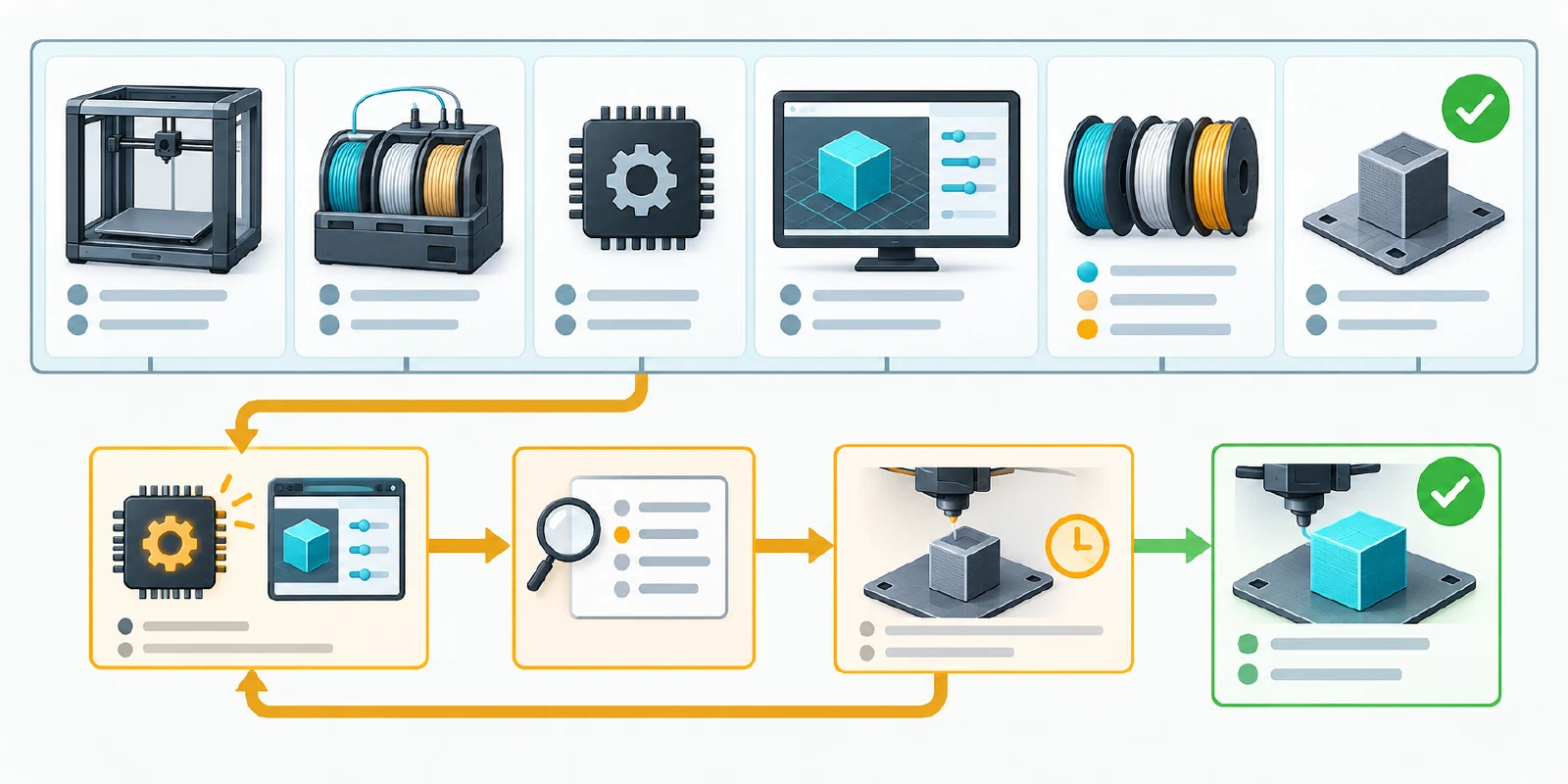
Build a compatibility record
Use a table or form with these fields:
| Field | Record | Why it matters |
|---|---|---|
| Printer | model, variant, revision, extruder or tool hardware | Similar names can hide different mounting, sensors, or motion limits. |
| Automated system | AMS/MMU/CFS/IFS/ACE/IDEX/tool changer, generation, slot or tool count | Feeder topology and channel semantics are not interchangeable. |
| Hardware path | hub, buffer, PTFE route, cutter, selector, sensor, nozzle, plate | A profile cannot verify a physical route or service state. |
| Firmware | printer and feeder versions, update date, installed or merely downloaded state | Version pairing may be part of official support. |
| Slicer/profile | application and release, printer/filament/process presets, tool-change mode, profile source | Imports and vendor bundles can change commands and process values. |
| Materials | exact product, diameter, dry state, support/interface pair, slot map | A material label or RFID result is not a physical feed or print test. |
| Validation | test object, number of changes, result, failure stage, date, operator | Documentation and a successful import are not the same as a tested result. |
Keep “officially documented,” “community-supported,” “configured,” “observed,” and “verified on this setup” as separate states. A vendor page can establish a product boundary without proving the installed firmware or a physical tool change.
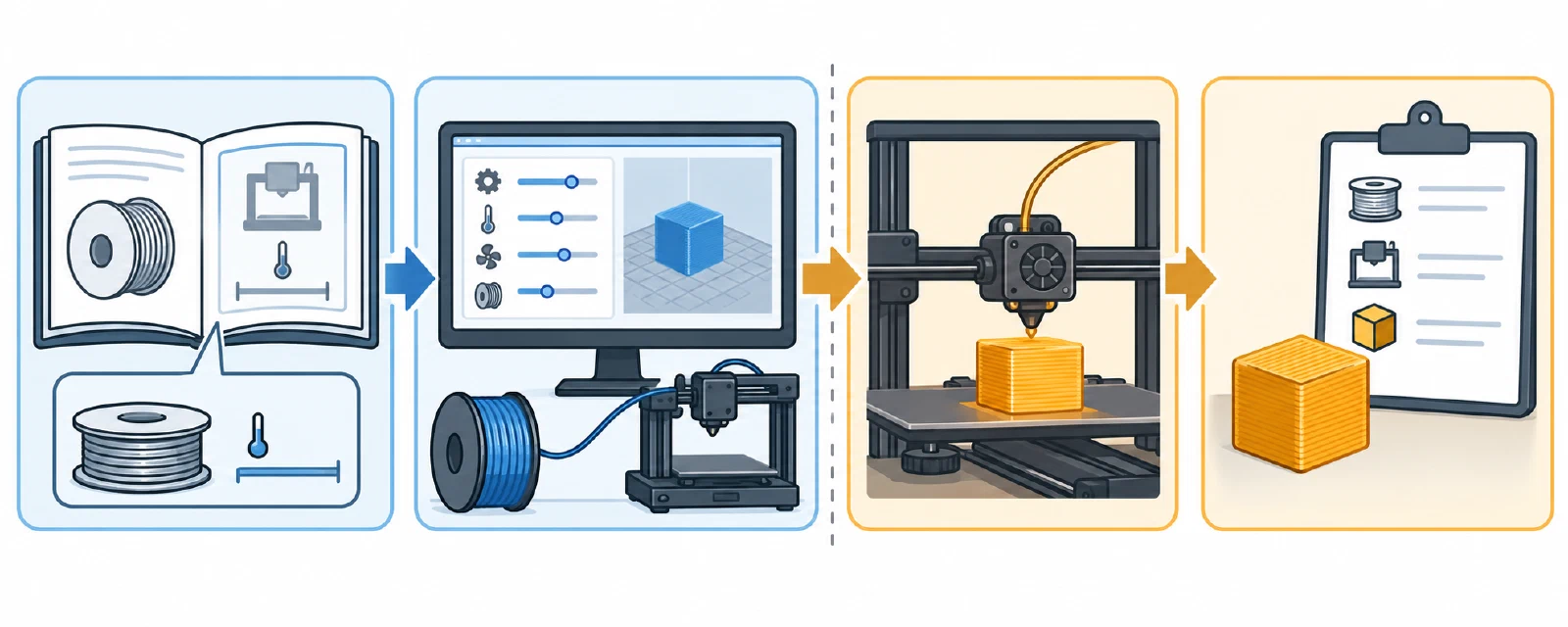
Check the high-risk boundaries first
Before reusing a profile or hardware combination, read the exact manufacturer and slicer documentation for the named variant. Prusa’s MMU3 matrix makes the printer family, MMU firmware, printer firmware, kit, extruder configuration, and G-code/profile family part of the decision; it warns against older MMU-family profiles on CORE/MK4 workflows. An MMU3 buffer generation can also be a printer-specific upgrade gate. Do not turn that Prusa rule into a rule for another feeder.
Hardware identity can be just as important as software. Flashforge’s AD5X instructions require holder number, installation position, and configured IFS channel to agree, and its update procedure treats an IFS update as a separate user-confirmed state. QIDI documents different hub cables for named box families and a printer-port condition for larger multi-box configurations. Anycubic documents printer-plus-feeder coupling and product-family boundaries. These examples all support the same recordkeeping practice, not cross-brand compatibility.
Material and spool boundaries also vary. The A1 AMS Lite guide gives its own spool envelope and warns about particular flexible, absorbent, hard, brittle, and fiber-filled classes. AMS HT has a different supported/unsupported list and a different TPU path. Creality CFS and other systems have their own spool, material, or feeder limits. Never infer that a material accepted by one automated system is accepted by another, even if the feeder is marketed for the same number of colors.
Treat updates and imports as change events
Before updating a slicer, vendor bundle, printer firmware, feeder firmware, profile, hardware, or material mapping:
- Save the current versions, local overrides, tool map, and a known-good test result.
- Read release notes and the exact compatibility matrix for the named printer and feeder.
- Compare the imported or updated printer, material, process, purge, support, retraction, temperature, and tool-assignment fields with the old profile.
- Confirm that the profile’s tool count, G-code or change mode, firmware contract, and physical hardware still agree.
- Run a small controlled load and tool-change test, then a representative object before resuming a long or unattended job.
- Mark the record as current, superseded, community-only, or requires verification, and preserve the reason.
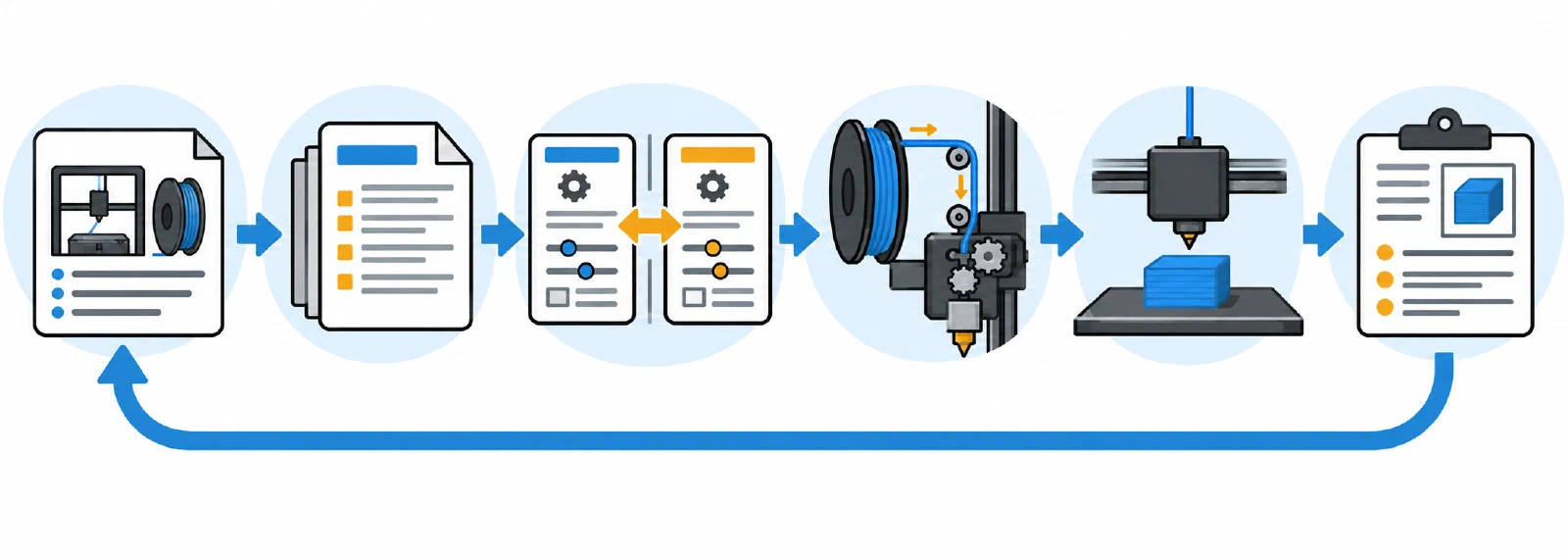
PrusaSlicer describes vendor bundles as grouped printer, print, and filament configuration data; an update can therefore be a compatibility event even when the printer itself did not change. An MMU firmware download page or a product page is a release signal, not proof that the package is installed or that a tool change succeeds. Treat “latest” as a version to inspect, not as an automatic compatibility guarantee.
Creality’s K2/CFS upgrade guide is a useful example of route-specific checks: it identifies .img files for K2-family printer firmware and .bin files for CFS firmware, then gives different post-restart calibration steps for USB and online printer updates. It also states a one-CFS connection condition for the online multi-CFS update and mentions a future fix without naming its version. Recheck the current instructions for the exact printer and update route; the page does not establish the installed version or a universal firmware contract.
Validate mappings at the execution boundary
A slicer can represent a multi-material job without validating the hardware. Bambu Studio requires assignments before slicing and exposes a preview; OrcaSlicer distinguishes single-extruder multimaterial, manual change, and multi-extruder modes; Prusa documents printer-family-specific remapping behavior and connection limits. Check the generated preview or tool calls, then check the printer’s own mapping screen or system state where available.
When a system reports an incompatibility, do not fix it by borrowing a profile from a similar-looking model. Return to the exact manual, release, kit, cable, slot, material, and hardware revision. If the current evidence cannot establish the combination, publish it internally as requires verification and test only within the manufacturer’s limits. If a tool change fails, use failed tool-change diagnosis and preserve the failure stage rather than merely marking the profile “bad.”
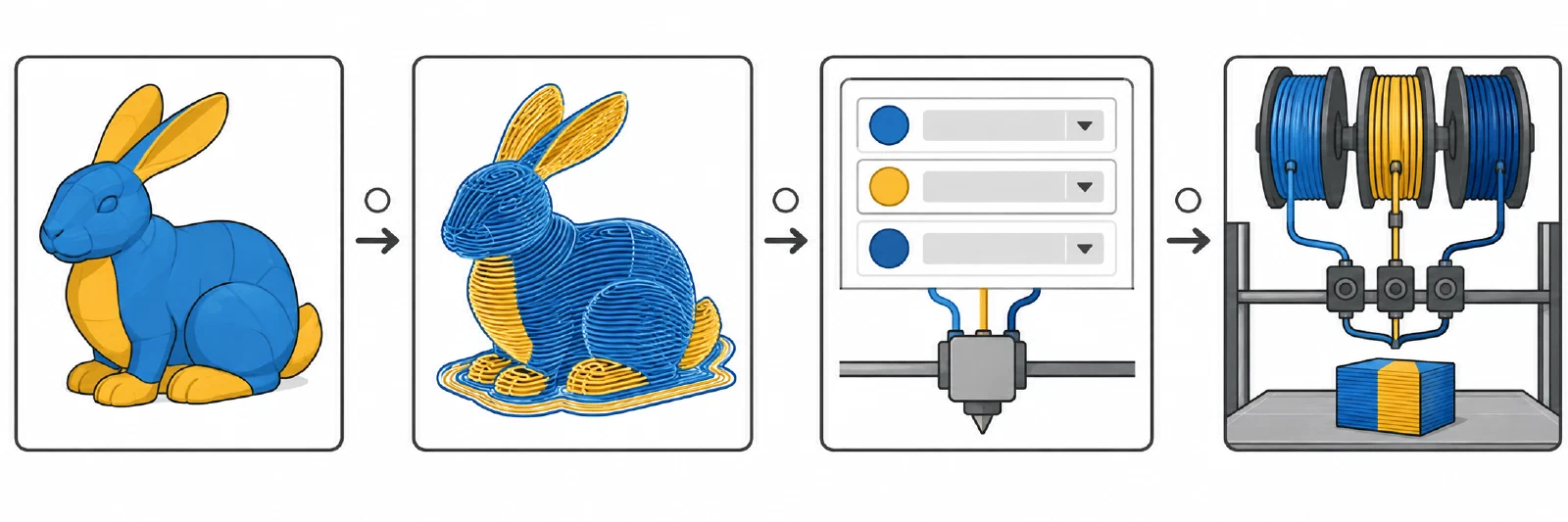
A compatibility record is current only for the named setup and validation date. It does not certify future firmware, another spool, a different nozzle, another material pair, or unattended operation.
Back to top ↑