This page pairs Bambu PLA Marble’s product instructions with the A1-specific filament preset object. The product contains inorganic particles and has a 0.2 mm nozzle incompatibility warning. The product instructions and the preset’s locally stored plate temperatures do not line up; treat that as an unresolved setup check, not as a value to average or silently choose.
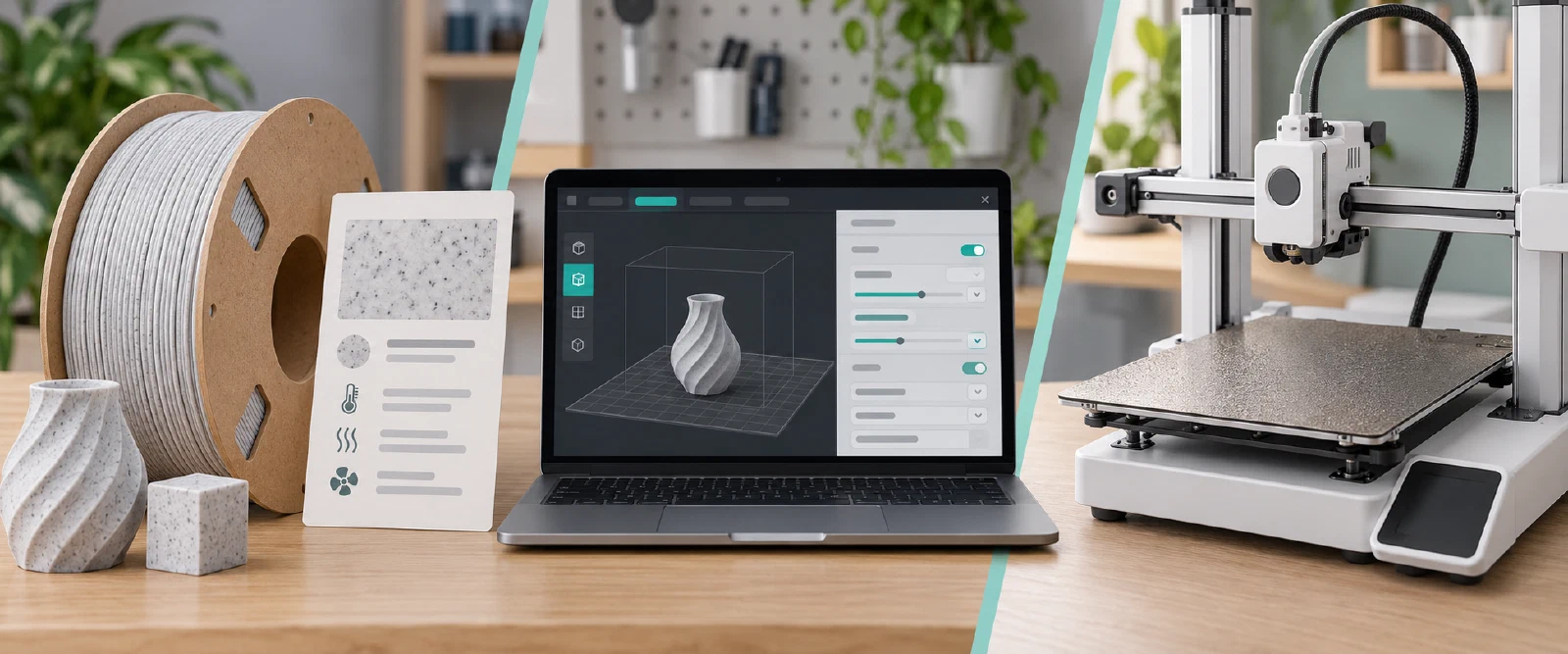
Product guidance
| Field | Bambu PLA Marble product value | Qualification |
|---|---|---|
| Nozzle temperature | 190–230 °C | Product range; not an A1 print result. |
| Bed temperature | 35–45 °C with glue | Product guidance; check the exact plate and current product page. |
| Print speed | Below 250 mm/s | Product guidance without an A1 geometry or quality test. This is not a quality target. |
| Drying | 55 °C for 8 hours | Product-specific instruction; confirm the spool and dryer are suitable. |
| Storage / printing humidity | Below 20% RH in a sealed container with desiccant | Product guidance; it does not establish the spool’s current dry state. |
The product page also lists plate and hotend compatibility. Check its current list against the actual A1 plate and installed nozzle; it specifically marks a 0.2 mm nozzle incompatible. Do not transfer these product instructions to another brand’s marble-filled PLA.
A1 preset fields and the bed-temperature difference
The BambuStudio object named Bambu PLA Marble @BBL A1 declares Bambu PLA Marble @base as its parent and lists A1 0.4, 0.6, and 0.8 mm nozzle machine names. In the captured object, the local hot-plate and textured-plate temperatures are 65 °C for both first and later layers, and local fan bounds are 60–80%. Those are stored preset fields, not a resolved profile or physical test result.
The product page’s 35–45 °C bed range with glue differs from the A1 object’s local 65 °C plate fields. The exact plate, product guidance, active BambuStudio release, inherited fields, overrides, and effective values have not been reconciled here. Inspect the currently installed A1 and PLA Marble selections before printing. Do not average the temperatures or assume that a field with a matching name applies to every plate.
Check the selected setup
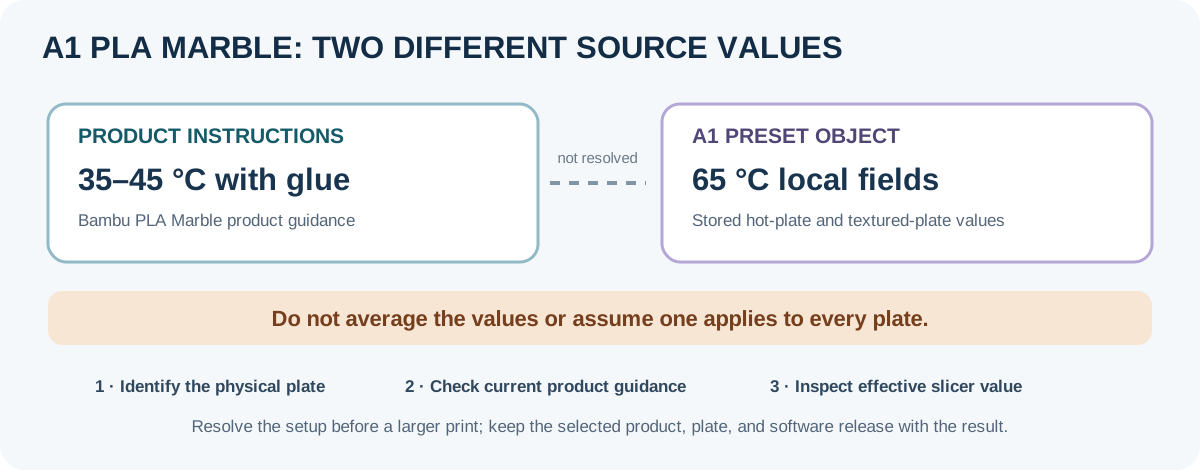
- Record the A1 variant, installed nozzle, plate and condition, firmware, BambuStudio release, exact PLA Marble product/colour, spool state, and intended model.
- Confirm the product’s current nozzle and plate compatibility. Select the matching A1 machine and PLA Marble preset, then inspect plate-specific and inherited values in the installed slicer. If its effective bed value does not match the product instructions for the chosen plate, resolve that difference using current manufacturer guidance before a larger print.
- Start with a small first-layer and feature test on the actual plate. Observe adhesion, surface, corners, bridges, and flow. Change one field at a time and retain the exact conditions with the observation.
- Dry and store the product according to its own current instructions, and confirm the spool can tolerate the drying equipment. A preset value, RFID parameter, or successful import does not establish the spool’s state or a verified A1 result.
Keep the selected values and outcome tied to this product, printer, nozzle, plate, slicer release, firmware, and test geometry. For a hardware, plate, or slicer change, use the profile adaptation checklist . This article does not claim a tested A1/PLA Marble profile.
Back to top ↑