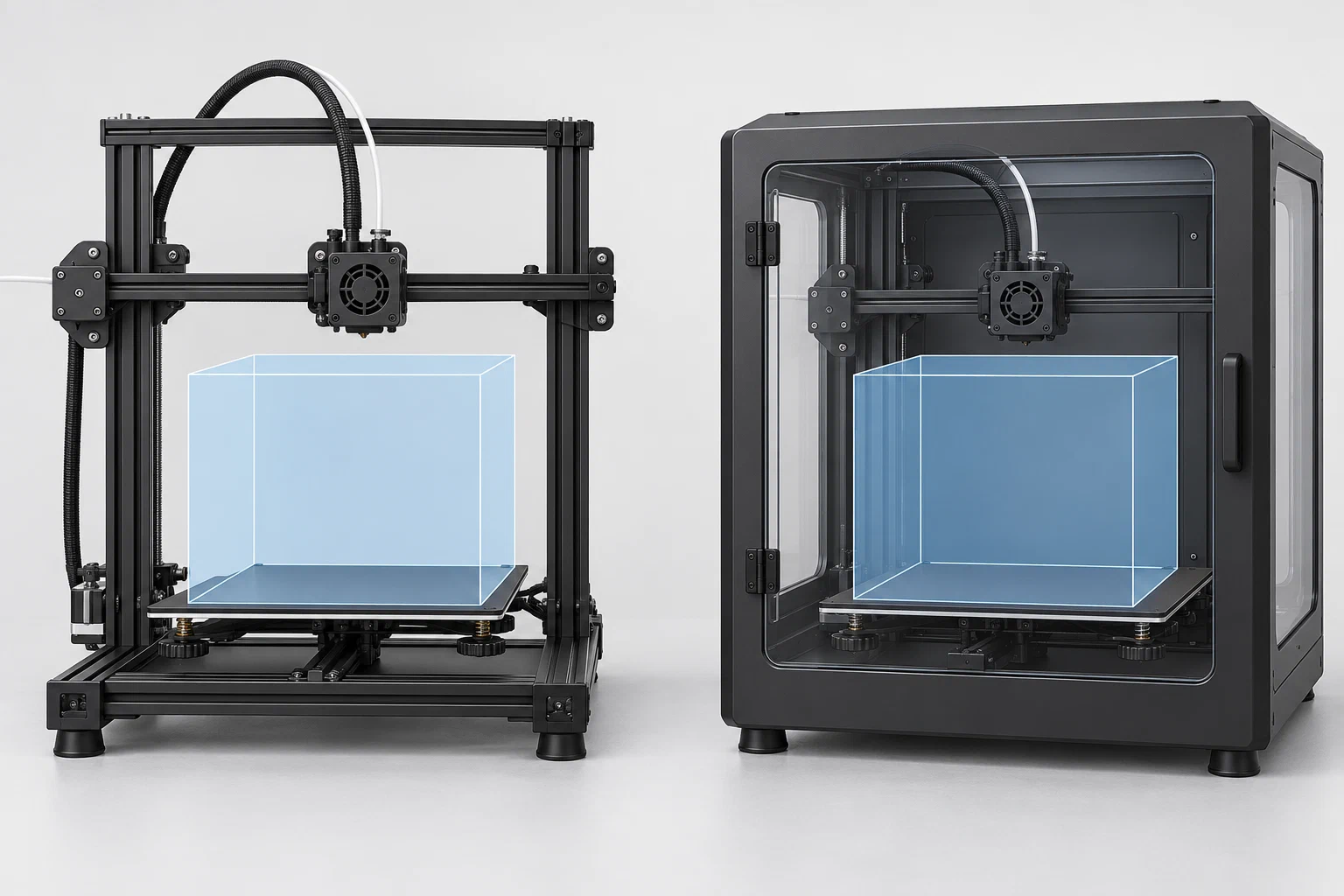
The A1 and P1S share a 256 × 256 × 256 mm build volume in the cited manufacturer specifications, but that common number does not make their profiles interchangeable. The most useful comparison is whether the printer’s configuration matches the material, plate, nozzle, enclosure, and workflow you need.
This comparison draws on the Bambu Lab A1 UK and P1S AU product pages consulted on 6 September 2026. On 16 October 2026, both exact regional URLs redirected to Bambu Lab’s EU store, so the current UK and AU listings and bundles were not confirmed. Product details can change; verify the exact model and bundle for your market before treating a row as current.
Compatibility comparison
| Question | Bambu Lab A1 | Bambu Lab P1S | What to do with the difference |
|---|---|---|---|
| What machine configuration is described? | Stock open-frame A1 product context | Enclosed P1S product context with a plastic-and-glass shell | Keep enclosure state in the compatibility record. Do not transfer a material decision solely because the build volume matches. |
| What build volume is stated? | 256 × 256 × 256 mm | 256 × 256 × 256 mm | The shared volume is a geometry boundary, not evidence of equal thermal or material behavior. Check the actual printer profile and plate mapping. |
| What temperature limits are listed? | 300 °C hot-end maximum and 100 °C build-plate maximum | 300 °C hot-end maximum and 100 °C plate maximum | Treat both values as manufacturer-stated maxima, not target temperatures or equivalent tested recipes. |
| What nozzle context is stated? | An included 0.4 mm stainless nozzle and listed 0.2, 0.4, 0.6, and 0.8 mm options | An included 0.4 mm stainless nozzle is stated on the cited product page | Select the exact installed diameter and nozzle state in the slicer. Do not assume that an A1 nozzle option or profile is present on a P1S. |
| What plate context is stated? | Textured PEI is listed as the included plate; other plate options are listed by the source | The product page lists Bambu plate surfaces, but the selected and included surface must be checked for the actual bundle | Record the physical plate and the selected plate profile. A slicer’s virtual bed and bed type do not prove the installed surface. |
| Which material labels are stated? | PLA, PETG, TPU, and PVA are labelled ideal; ABS, ASA, PC, PA, PET, and fibre-filled materials are not recommended in the stock open-frame context | PLA, PETG, TPU, PVA, PET, ABS, and ASA are labelled ideal in the cited product data; PA and PC are labelled capable | These are manufacturer capability classifications, not brand-specific settings, measured performance, or a promise for every geometry. |
| What monitoring or system context is stated? | Filament sensors and a low-frame-rate monitoring camera are listed | A camera, runout sensor, and enclosed product context are listed | Connectivity or monitoring is a separate operational field. It does not validate a profile or prove that a job will complete. |
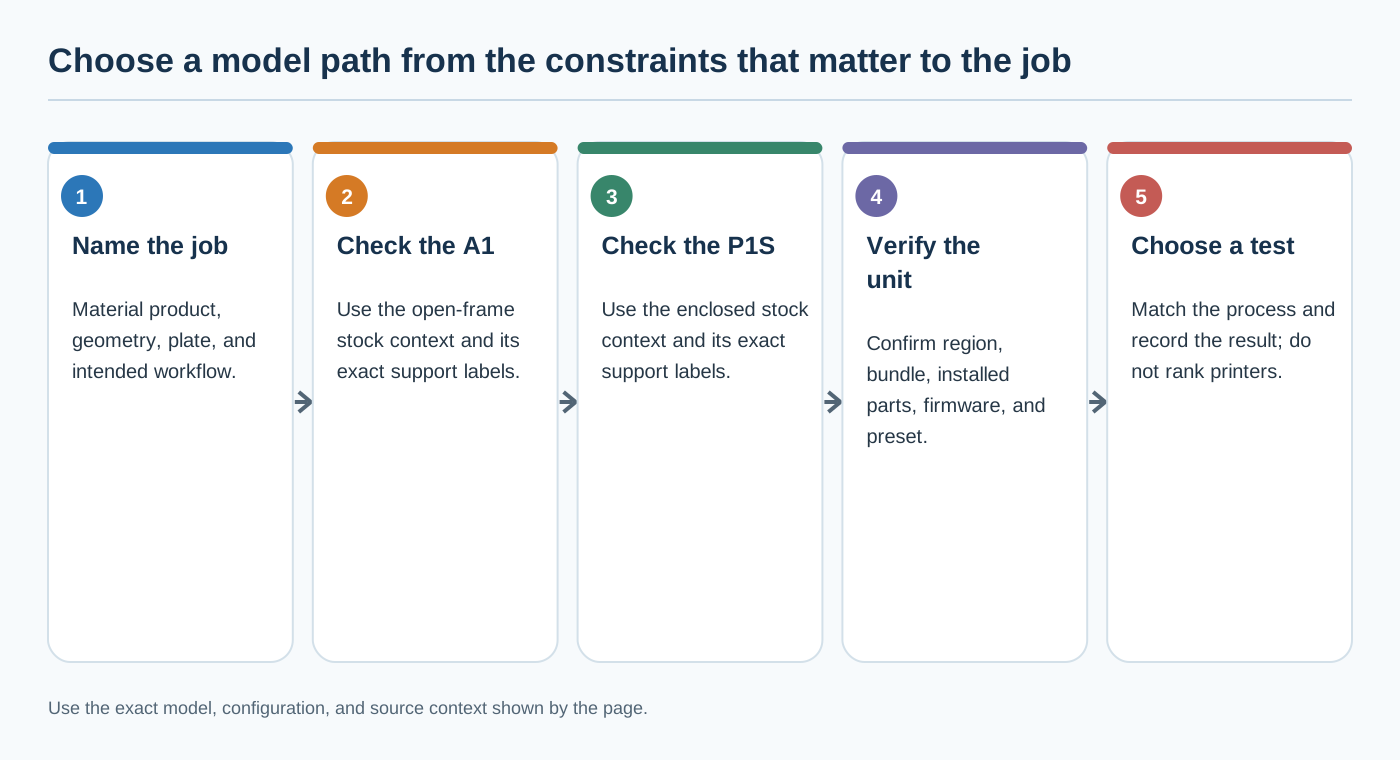
The material rows are deliberately not a “best printer” verdict. They answer a narrower question: which stock configuration does the manufacturer describe for the named material classes? The cited pages do not establish a common TPU profile, dry-state requirement, controlled strength result, or print-quality ranking.
Choose a compatibility path
You mainly use PLA, PETG, TPU, or PVA
Both product pages describe these material classes in their supported or ideal groupings. Start with the exact printer and material presets for the machine you own. Record the brand, grade, nozzle, plate, firmware, slicer version, and process profile. A shared material label does not make an A1 result a P1S result.
You need a material the A1 page marks as not recommended
Do not treat an enclosure retrofit or a third-party part as an automatic conversion of the A1 into a P1S. Record the modification, its source, firmware and slicer state, and the material product. The stock A1 specification no longer describes the complete machine. If the exact combination lacks a reliable test or authoritative model-specific instruction, classify it as requiring verification and route any starting values to the Settings Library.
You need ABS, ASA, PA, or PC capability
The P1S product data provides a broader manufacturer capability classification for these higher-temperature material classes than the cited stock A1 page. That is a compatibility signal, not a guarantee of a successful print. Check the exact material product, plate, enclosure state, ventilation/workspace guidance, nozzle, firmware, and profile before printing. Do not infer the P1S result from the A1, or the reverse.
You are comparing plates or nozzles
Compare the installed component, not only the product family. A selected plate in a slicer is a software setting; the physical surface, plate condition, printable area, and any excluded region still need checking. A nozzle option is not a complete process profile. If the nozzle diameter, type, or adapter state changed, re-check the printer profile and run a small verification print before reusing a result.
You are comparing automated or remote workflows
Record the exact feeder or multi-material system, selected material mapping, firmware, slicer version, and service route. An accessory or product-page feature does not prove that the same system state is installed, supported in the current region, or represented by the selected profile. Keep job transfer and monitoring questions in their operational context; they do not replace physical compatibility checks.
Verify a profile before reuse
For either model, compare the profile against this minimum manifest:
- exact printer model and regional or revision context;
- enclosure state and installed upgrades;
- nozzle system, diameter, material, and wear state;
- physical plate surface and selected plate profile;
- material brand, grade, and dry state;
- firmware version and relevant machine-side calibration state;
- slicer version, printer preset, material preset, and process preset;
- test object, date, and evidence state.
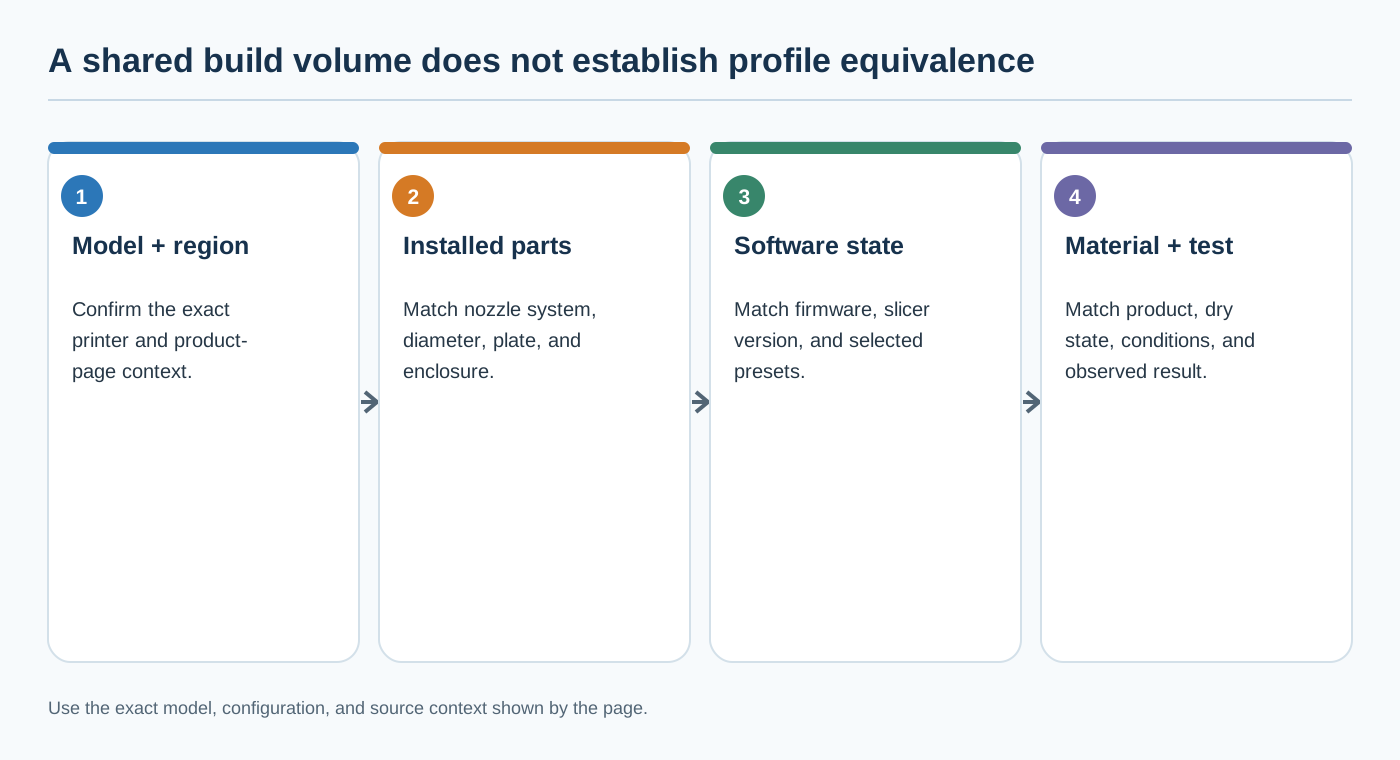
If a project or profile contains a printer, filament, or process selection, treat that as preserved software context rather than proof of physical-machine equivalence. Preview the output and verify the first layer or another appropriate test on the target printer. When the profile’s model, nozzle, plate, firmware, or test context cannot be matched, use Firmware and hardware changes that invalidate a profile and revalidate instead of relying on the shared build volume.
Back to top ↑