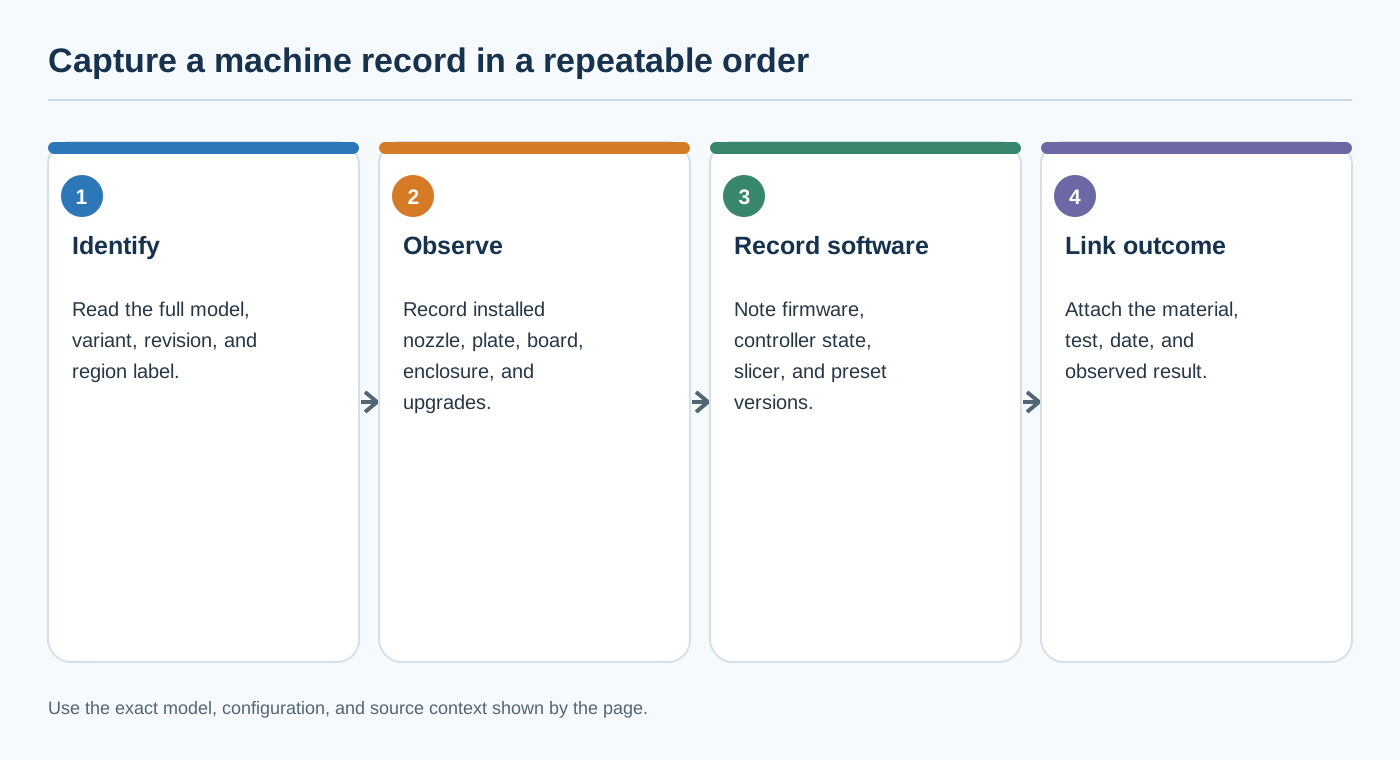
A settings result is reusable only when another reader can tell which machine and configuration produced it. “I used an A1,” “I have an Ender-3,” or “this is an MK4 profile” leaves too much unresolved. Record the exact model and the state that can change how a slicer profile, G-code file, or recommendation applies.
Record these fields together
| Field | What to record | Why it matters |
|---|---|---|
| Brand, family, and exact model | The manufacturer name, product family, and full model name | Similar family labels can hide different temperature limits, transfer methods, or hardware. Creality’s SE/KE comparison is one example of model-specific differences. |
| Variant and region | Kit or bundle name, revision label, market or plug region, and purchase date when relevant | Product pages and bundles can differ by region or release. Do not infer that an English regional page describes every stock bundle. |
| Machine identifier | Serial number or other manufacturer-provided identifier, if available | A serial can identify a physical machine more precisely than a family name. It does not, by itself, reveal every upgrade or the installed firmware. |
| Board and hardware revision | Board revision, controller type, wiring or conversion state, and documented upgrade path | A firmware package or profile can be limited to a board or model generation. Creality distinguishes C13 and C14 Ender-3 V3 SE boards and treats Nebula screen firmware separately; it warns that incorrect firmware selection can cause missing functionality. Record the actual board and screen before using model-specific guidance. |
| Nozzle system | Hotend or nozzle family, adapter state, diameter, material, and wear state | A Prusa Nozzle, an E3D V6 system, and an adapter route are different identity fields. A mechanically fitting nozzle does not make process values portable. |
| Plate and printable geometry | Plate surface/profile, bed shape, origin, excluded areas, and configured height | A slicer’s virtual bed and Z offset affect exported coordinates, but profile fields do not prove the physical bed or endstop is correct. |
| Firmware and machine-side settings | Installed firmware version, feature state, calibration state, and relevant saved settings | Firmware, persistent controller settings, and slicer settings are separate layers. A support page or download list does not establish the version installed on your machine. |
| Slicer and presets | Slicer name and version, printer/nozzle preset, material preset, process preset, and profile version | Slicers bind printer, nozzle, material, and process choices before generating output. A profile name alone is not a physical-machine check. |
| Material and operating context | Material family, brand/product, grade, dry state, enclosure state, and automated feeder or MMU/AMS state | The same printer can have different applicability depending on material identity, feed path, enclosure, and automated system state. |
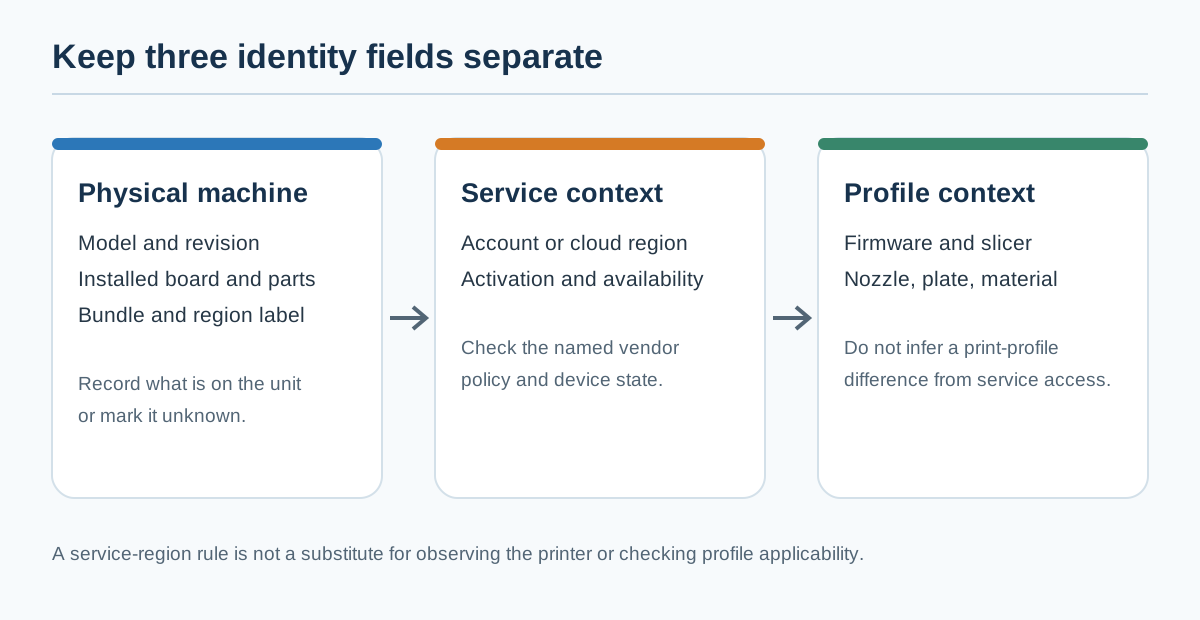
| Service or host route | Local/cloud service, network endpoint, host profile, and job-state details where remote operation is involved | Connectivity and a reachable endpoint do not prove that the selected profile matches the physical printer. Never include API keys, passwords, or other credentials in a shared record. |
If a field is not known, write unknown, not checked, or not applicable. Do not replace an unknown firmware revision with the latest release, or an unknown nozzle with the diameter shown in a slicer preset. The record should make uncertainty visible so a later reader knows what must be verified.
Separate four different descriptions
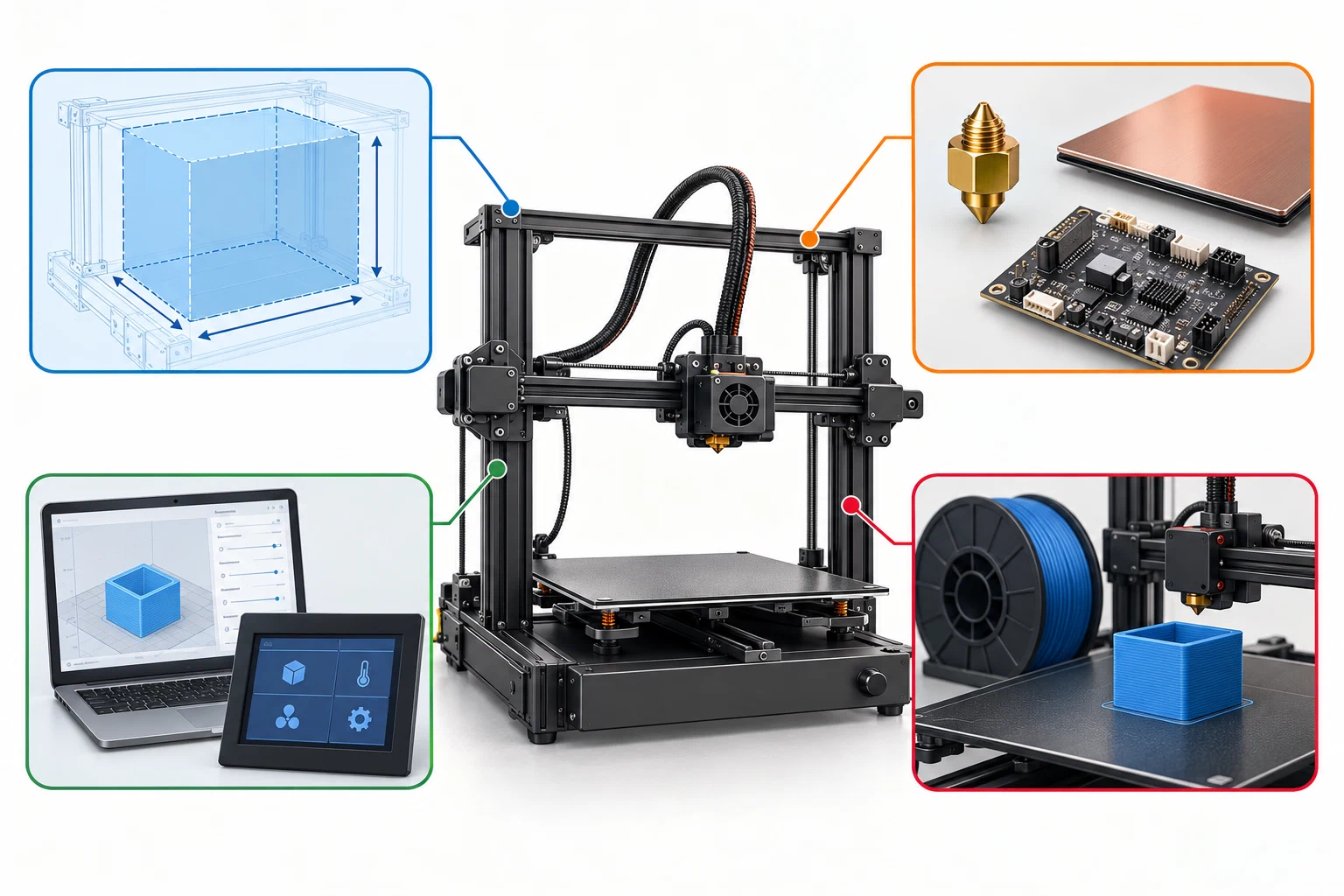
A useful record distinguishes:
- Stock capability — what the manufacturer states for the named stock model, such as a build volume, maximum temperature, plate family, or material label.
- Installed hardware — what is physically fitted now, including a replacement hotend, nozzle adapter, plate, enclosure, board, feed path, or upgrade.
- Software configuration — what the slicer, profile, firmware, controller configuration, or saved machine settings contain.
- Current process state — the material, dry state, calibration result, wear state, job route, and other conditions of this print.
These layers can disagree. An official specification can define a boundary without proving a tested setting. A profile can contain a compatible-printer label without proving that the connected machine has the same hardware. A project file can preserve selections without proving that another physical printer can reproduce the result.
A practical identity record
Use a structured record alongside a profile or result. The values below are field names, not claims about a particular machine:
printer:
  brand: ""
  family: ""
  model: ""
  variant: ""
  region_or_bundle: "unknown"
  serial_or_machine_id: "unknown"
  board_or_hardware_revision: "unknown"
  installed_upgrades: []
firmware:
  version: "unknown"
  relevant_feature_state: "unknown"
  machine_side_calibration_state: "unknown"
extrusion:
  nozzle_system: "unknown"
  adapter: "not applicable or unknown"
  diameter_mm: "unknown"
  nozzle_material: "unknown"
  wear_state: "unknown"
setup:
  plate_profile_and_surface: "unknown"
  enclosure_state: "unknown"
  drive_path: "unknown"
  automated_system: "none, not checked, or named system"
slicer:
  name: ""
  version: ""
  printer_nozzle_preset: ""
  material_preset: ""
  process_preset: ""
profile:
  version_or_date: ""
  source: ""
  validation_state: "not tested or record the actual state"
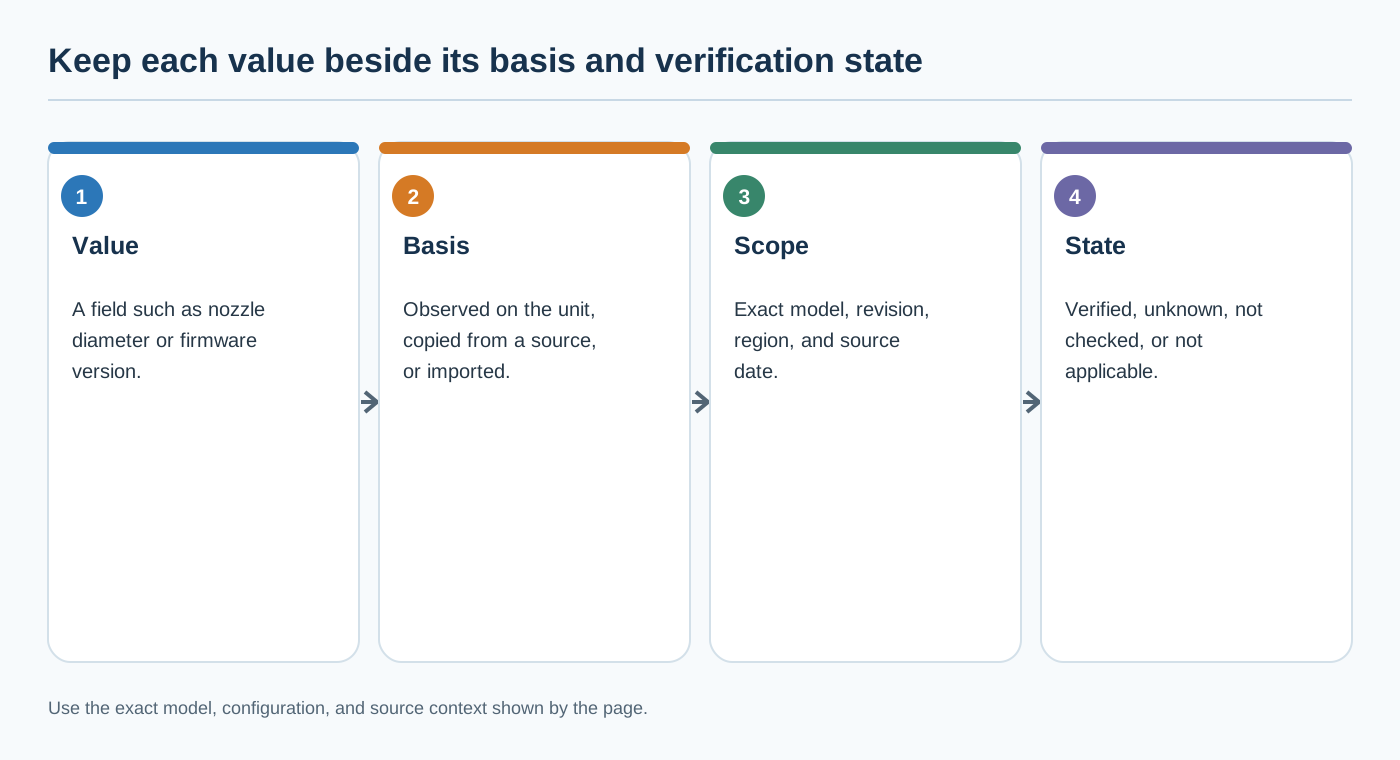
For a new, unmodified printer, keep the stock specification and the observed setup in separate fields. For an existing or modified printer, add the date and source of each change, then re-check the machine-side settings that the change could affect. A replacement nozzle is not just a new diameter: the nozzle system, type, adapter, wear state, slicer profile, and any related firmware or calibration state may all need review.
Capture checklist before sharing a result
Before submitting settings or failure data:
- Photograph or transcribe the model and revision label.
- Record the installed firmware and slicer versions.
- Confirm the nozzle diameter and system on the physical machine, not just in the slicer.
- Record the plate surface and selected plate profile.
- Record material brand/product, grade, dry state, and automated-feed path.
- Note enclosure, external equipment, and relevant environmental context.
- Export or name the printer, material, and process presets without exporting credentials.
- State which fields were not checked.
- Link the record to the test object, calibration result, or failure observation.
The completed identity record bounds the next question; it does not answer it by itself. Use Printer capability boundaries to compare the record with official support, and use Firmware and hardware changes that invalidate a profile when any identity field has changed.
Back to top ↑