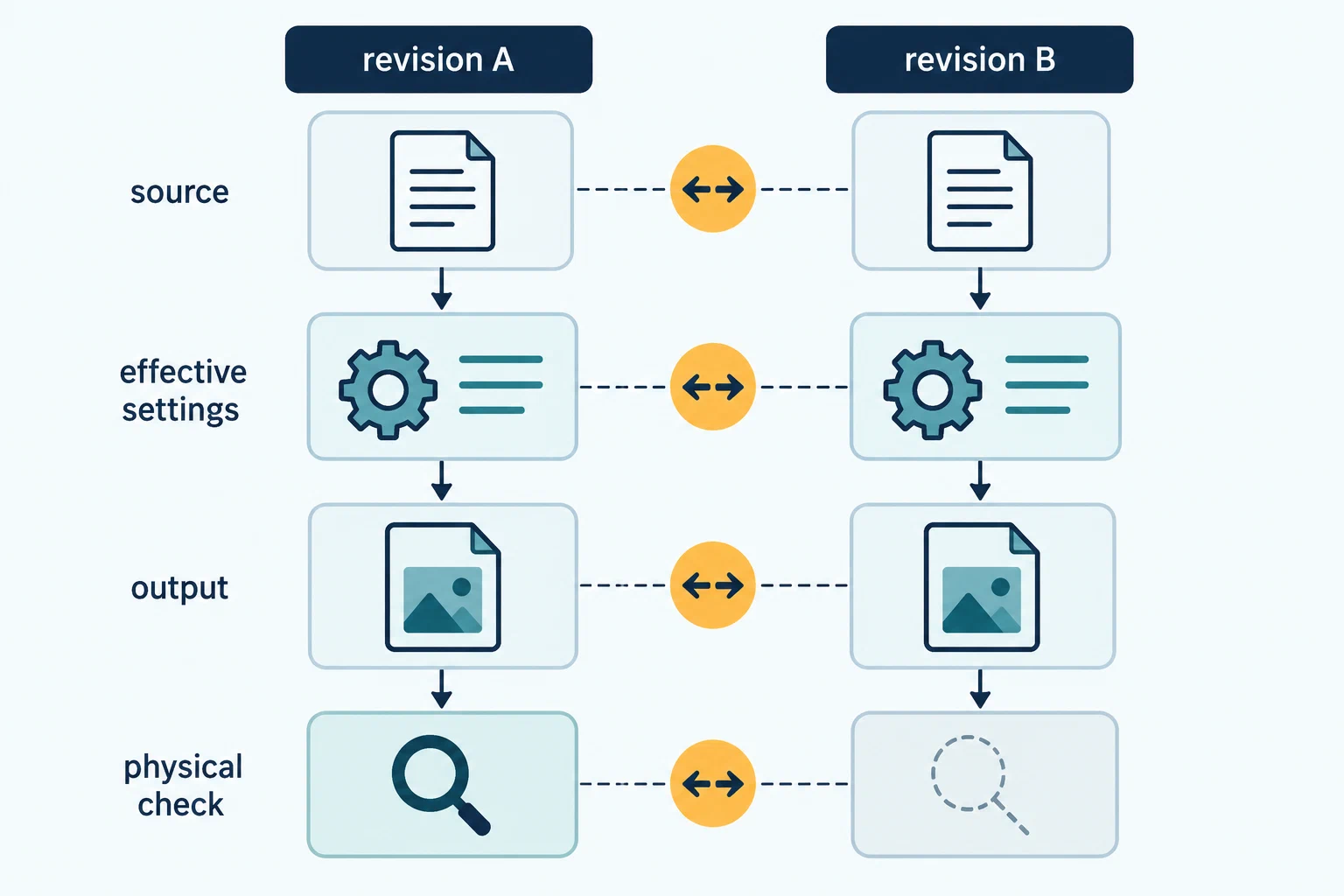
A profile revision is more than a changed temperature or speed. A slicer release can resolve inheritance differently, a project can contain object-level overrides, firmware can interpret generated commands, and a post-processing step can change the output after preview. Compare each artifact and its effective context before deciding what changed or whether the later version is worth reusing.
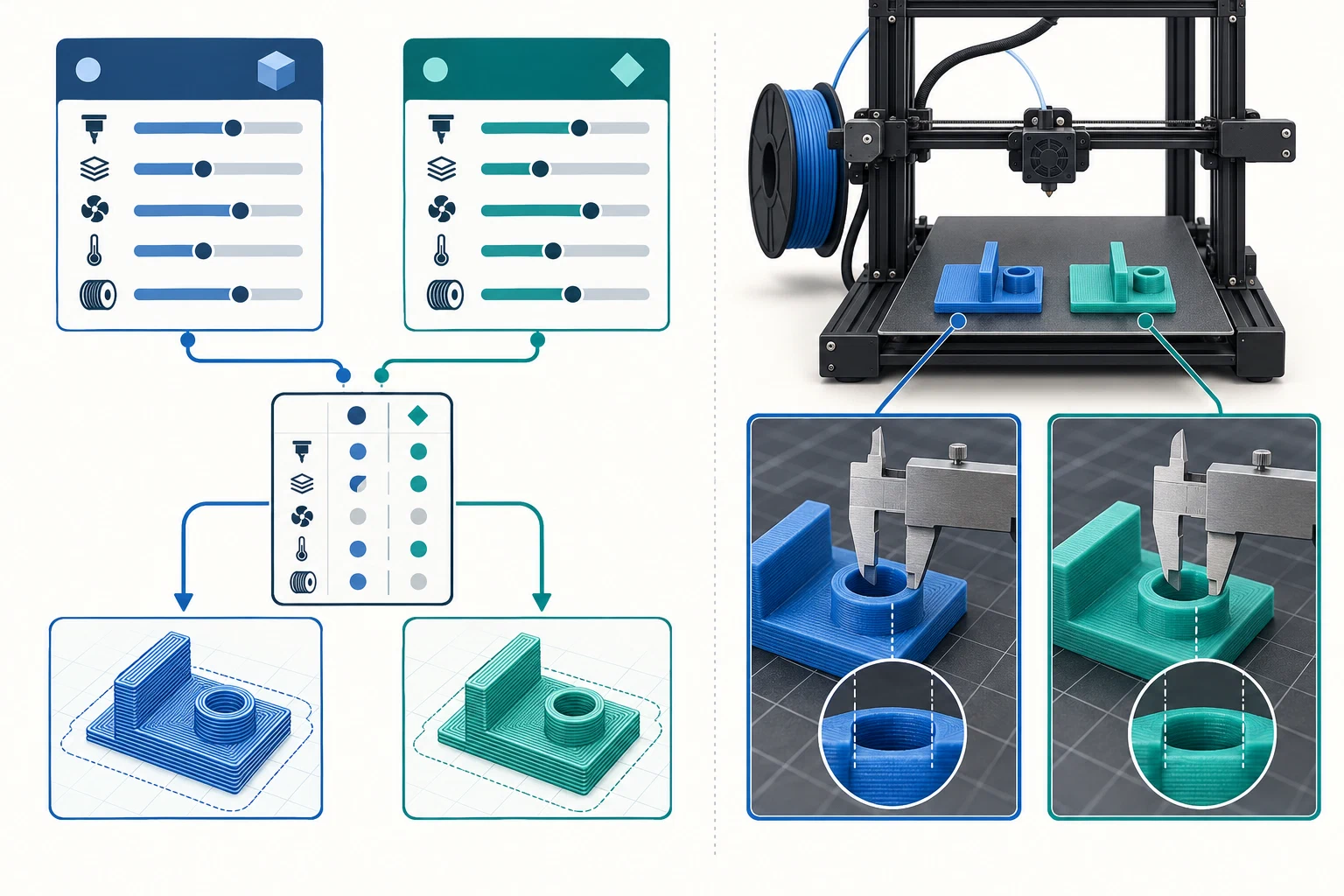
Freeze both sides before comparing
Save or identify revision A and revision B before opening or editing them. Record each source, version, date, distribution location, lifecycle state, and reason for the change. Keep a safe rollback reference when the original artifact can be shared safely. A file hash or immutable release can help identify an artifact; digital identity alone does not establish compatibility or print quality.
For each revision, capture:
- printer model and variant, firmware or controller state, nozzle, extruder or tool, plate, and material vendor/product and state;
- slicer name and exact release or channel, selected machine/material/process presets, parent relationships, inherited values, project overrides, and warnings;
- relevant layer, line-width, temperature, cooling, flow, volumetric, retraction, motion, support, and machine-command values, with the configuration layer that owns each one;
- model or specimen, geometry, orientation, output format, post-processing or other transformation, and final generated artifact; and
- test object, method, measurement units, repeats, environment, maintenance, operator context, observed result, and remaining unknowns.
These fields are conditional prompts, not a universal interchange schema. Record omissions as omitted or unknown instead of assuming a previous value carried forward. A displayed field may not be the effective field after inheritance, calculation, per-object overrides, or application-specific behavior.
Use a change matrix
| Area | Revision A | Revision B | Question to resolve |
|---|---|---|---|
| Artifact and source | Identifier, version, release, date | Identifier, version, release, date | Are both exact files and origins known? |
| Effective configuration | Value, owner, inherited or overridden | Value, owner, inherited or overridden | Which layer changed and why? |
| Output path | Format, scripts or transforms, generated output | Format, scripts or transforms, generated output | What did the machine-facing artifact contain? |
| Physical check | Setup, specimen, method, result | Setup, specimen, method, result | Were the outcome and conditions comparable? |
| Lifecycle | Current, superseded, withdrawn, unknown | Current, superseded, withdrawn, unknown | Where is the safe replacement or rollback? |
If a workflow uses a plugin, script, command-line step, or controller transformation, record its name and version, where it ran, its order, and which output was inspected. Do this when applicable; not every slicer or printer workflow has every layer. A script log or matching configuration does not by itself guarantee identical physical behavior.
Decide what the comparison can establish
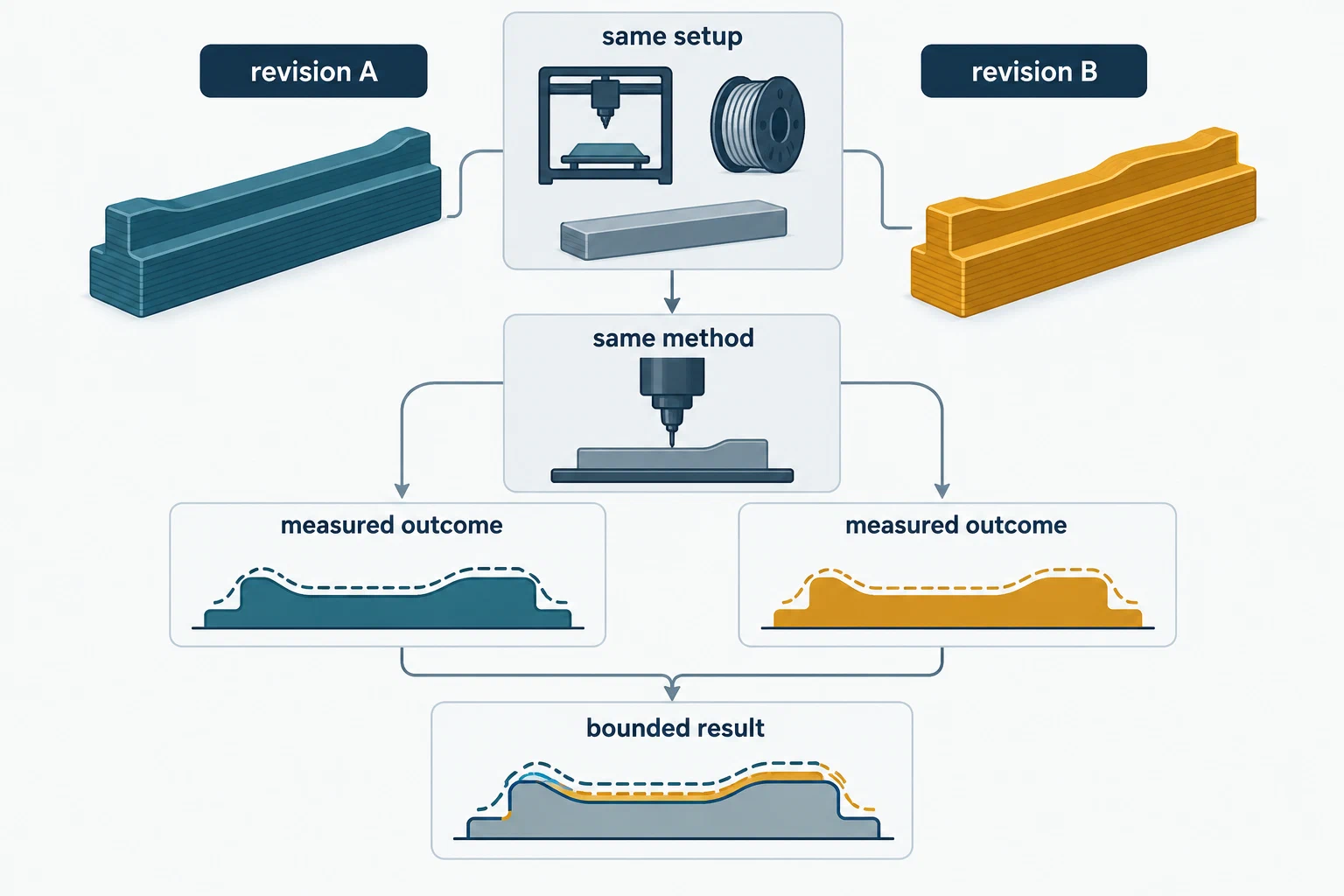
Hypothetical software-only comparison: revision B changes a retraction value and slicer release, opens without warnings, and produces a different preview. This establishes a documented software difference for those artifacts. With no physical print, it does not establish better stringing, surface quality, or reliability.
Hypothetical matched physical comparison: both revisions are printed on the same identified printer, material, nozzle, plate, geometry, and procedure, with repeated measurements of one named feature. This can support a bounded comparison of that feature under those conditions. It does not establish that the revision improves another feature, material, or printer.
If printer, nozzle, material state, geometry, method, or maintenance changed, state the difference and avoid attributing the result to one profile field. NIST distinguishes repeatability under the same measurement conditions from reproducibility when conditions change; name the conditions and keep unlike comparisons separate. A numerical diff establishes a configuration difference, not that one revision is better.
Validate in increasing-cost order: identify both originals, inspect selected presets and effective values, review warnings and previews, compare generated outputs where possible, then run a suitable physical check on the target setup. Keep the earlier revision as rollback when safe. If the later file corrects a report or replaces an unsafe artifact, link the explanation through the correction guide instead of silently rewriting the old result. For multiple independent reports, see interpreting aggregated results .
Back to top ↑