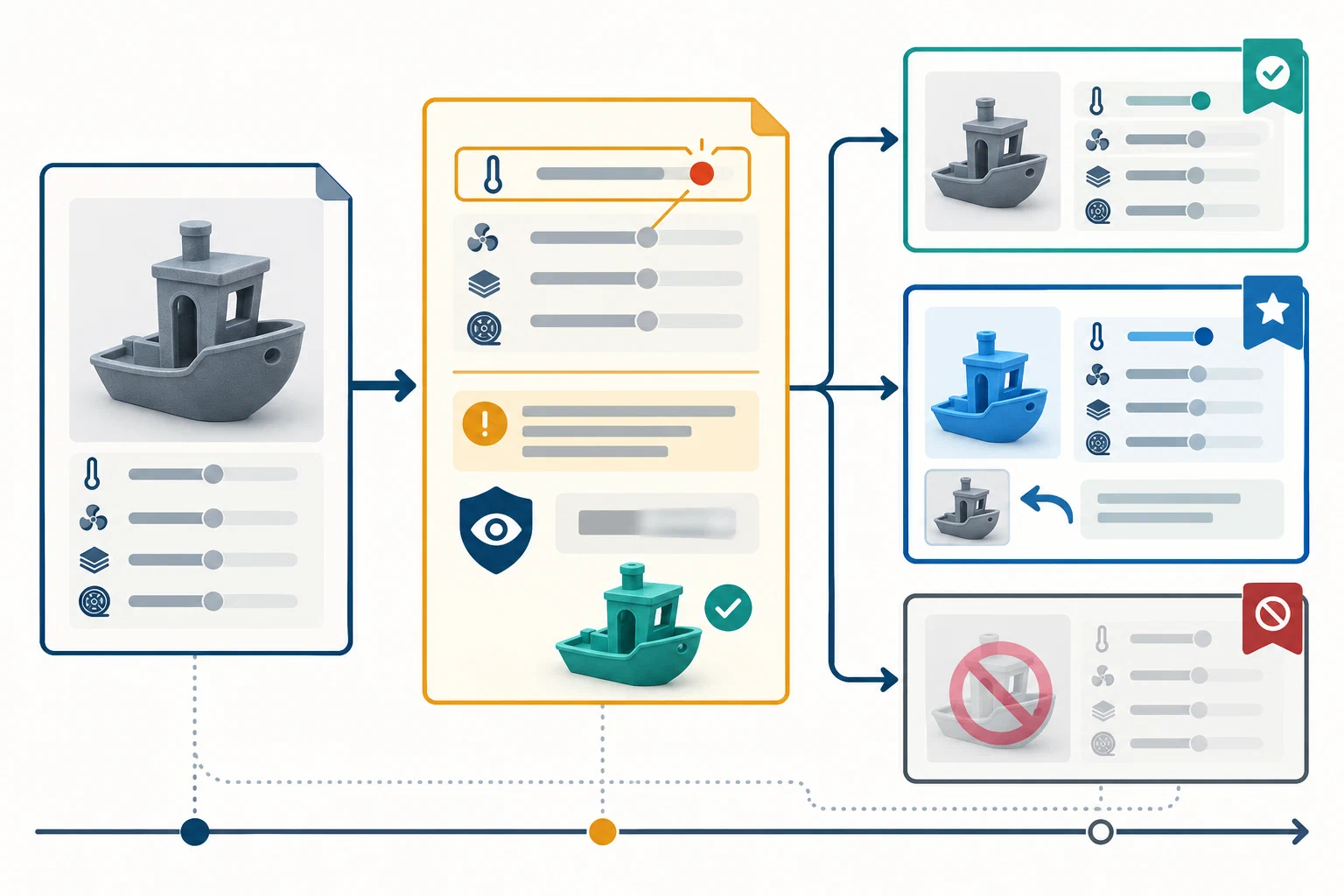
A useful correction makes an earlier claim easier to understand. If a profile had the wrong printer identity, omitted a material condition, exposed private data, failed a stated check, or became misleading after a release or hardware change, name the affected record and explain what readers should do now. Do not silently replace the old file and leave people to guess what changed.
Preserve the attempt trail
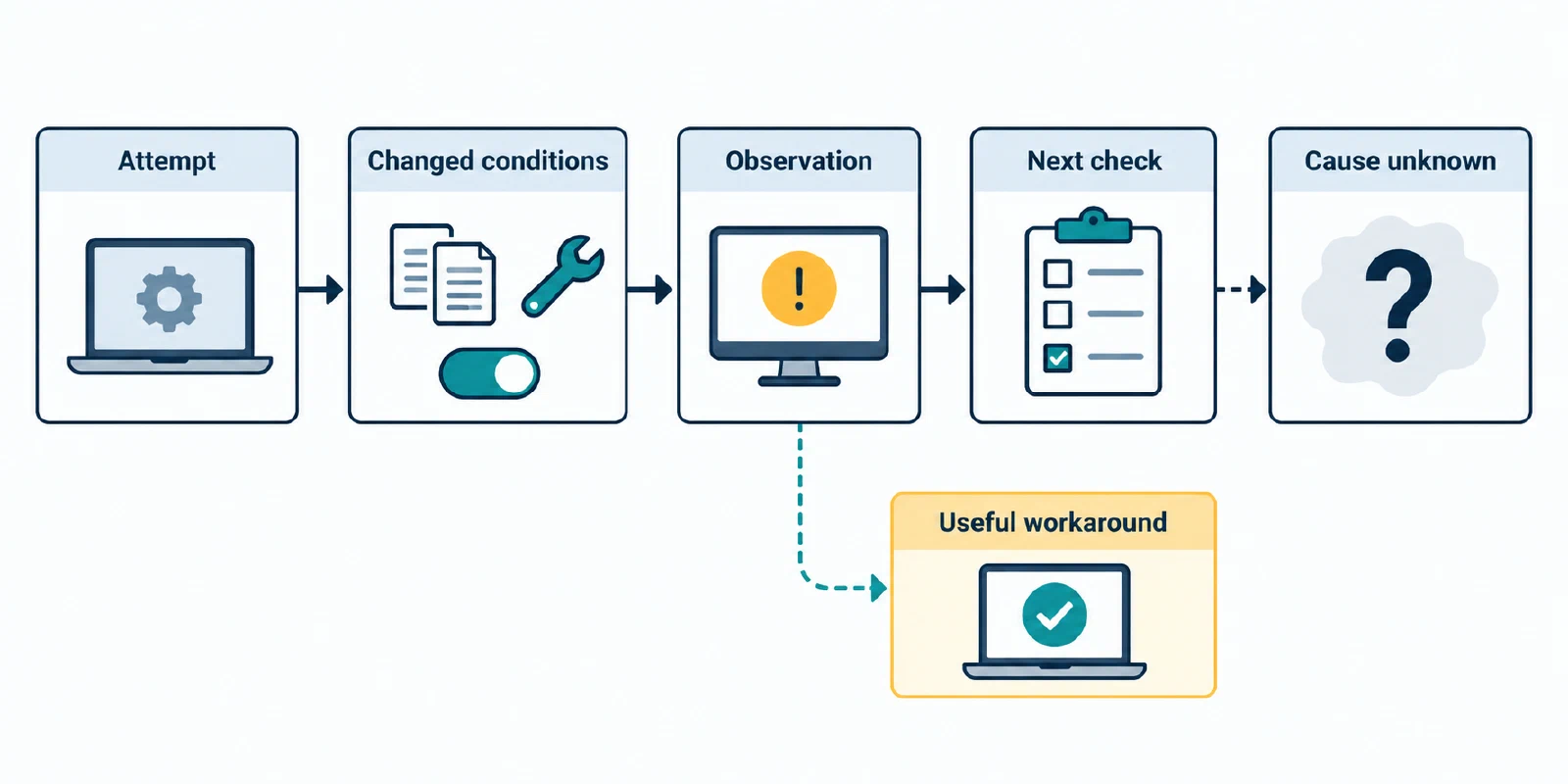
For an unsuccessful print, record the original setup and artifact, the intended outcome, the observed result, the check or measurement used, and what remains unknown. List attempted alternatives in order. State what changed, what stayed fixed, and whether several settings changed together. A helpful workaround is not automatically a confirmed cause.
Keep these cases distinct:
- Failed print: the physical attempt produced an observed outcome that did not meet its stated goal.
- Missing or corrupt measurement: the sensor, file, or recording is absent or unusable; the physical outcome may still be unknown.
- Invalid test: a method or specimen did not answer the stated question; explain the validity issue rather than labeling the printer result a failure.
- Incorrect report context: a printer, material, release, unit, or method was entered incorrectly; correct that field and explain how it affects the claim.
- Disputed explanation: contributors agree on what happened but not why; preserve the observation and mark cause as unresolved.
- Distribution or lifecycle issue: a file is retired, withdrawn, replaced, or hidden by a host. That action alone does not prove a physical result true or false.
Choose a communication action
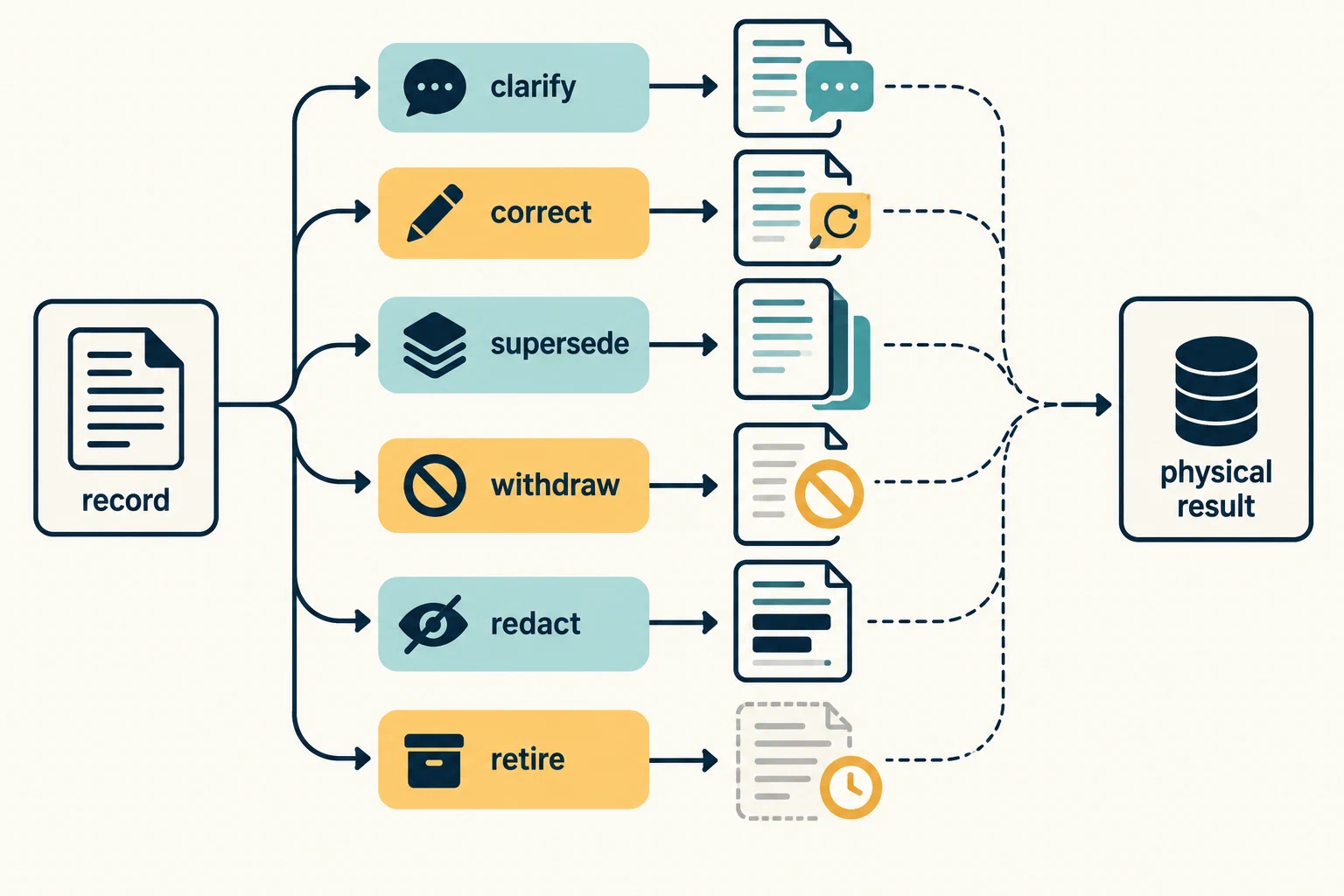
- Clarification: add context to a claim that remains valid.
- Correction: identify a factual or reporting error and its impact.
- Supersession: publish a new revision after an intentional change or revalidation, linking the earlier revision as history or rollback where safe.
- Withdrawal: tell readers not to reuse a result or artifact and explain why; a withdrawal is not a new test.
- Redaction: remove private or unsafe material while explaining the affected record without repeating the secret.
- Retirement: stop maintaining a record while preserving any historical value and limits.
These are communication patterns, not promises about what a host will retain, edit, or moderate. Follow the host’s current rules and distinguish its publication action from technical validity.
Write a correction notice readers can act on
Name the affected record and revision; when the issue was found and by whom; the exact problem; who or what may be affected; replacement or rollback; checks performed and their results; privacy action; and unresolved questions. Say whether follow-up was a new print, re-analysis of an old result, software-only check, or moderation action. If no new physical check occurred, state that clearly.
For example, a contributor might later notice that a claimed first-layer improvement changed both nozzle and slicer release. The correction can preserve the observation while changing the explanation to “the combined revision was followed by a better first layer; the effect of each change is unknown.” A matched next test could investigate one change. It would not be accurate to claim that the profile value alone caused the improvement.
If counts conflict, label the affected statistic unresolved rather than inventing a repaired denominator. FixMyPrint’s July 2026 first-layer article calls its headline “nearly 1,900 confirmed fixes,” while its eight listed filament counts total 3,199. The publisher’s methodology describes two outcome buckets in its calculated success-rate pool: Bucket A records direct original-poster confirmation, while Bucket B uses the highest-voted community fix without direct original-poster confirmation. The first-layer article does not show how those buckets map to its figures. Keep “confirmed” attributed to FixMyPrint; it does not establish that every outcome was directly confirmed or independently inspected. Leave the count conflict unresolved. Neither total provides a usable denominator for a fix rate. See interpreting aggregated community results .
Protect people and preserve useful history
Before sharing a replacement, inspect it for API keys, passwords, tokens, private addresses, account identifiers, local paths, private model files, and identifying photos. Do not quote a secret to prove it existed. If a published artifact cannot safely be edited, use the host’s available removal or replacement path and state what is known about residual copies; do not promise that every copy is gone.
Keep an earlier file when it remains safe and useful, mark its status clearly, and link the replacement prominently. An immutable release can preserve an original asset, but it cannot repair an incorrect claim. Close the loop with an appropriate next action: compare the corrected context, inspect the new output, perform a bounded physical check, or stop reuse until the missing identity is resolved. For a two-version analysis, use profile revision comparison ; for a contributor template, see sharing a result with reproducible context .
Back to top ↑