A printer combines heaters, moving axes, electrical connections, a spool of combustible polymer, and a workspace that may contain dust, cleaners, packaging, or other equipment. The exact controls come from the printer manual and local requirements. The checklist below is a practical baseline, not electrical or fire-code certification.
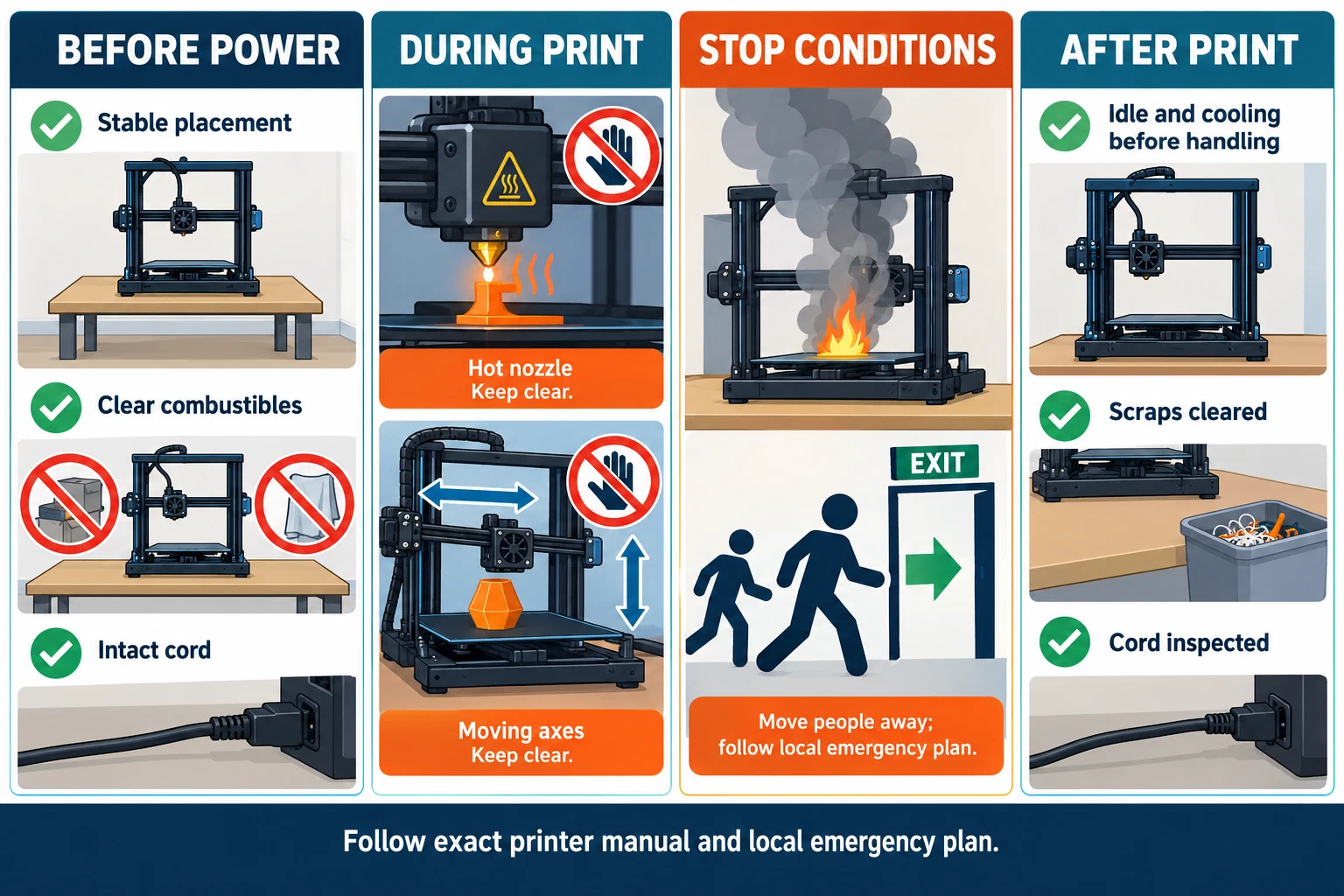
Before powering on
Complete these checks for the exact printer, firmware, nozzle, plate, material product, slicer release, and workspace:
- Placement: Put the printer on a stable surface with the clearance and access specified by its manual. Keep flammables, solvents, paper, loose clothing, and stored filament away from hot or moving areas. Keep exits, ventilation paths, and the power-disconnect route clear.
- Assembly and access: Finish the manufacturer’s assembly sequence before connecting power. Bambu’s X1/X1-Carbon quick-start guide, for example, makes completed assembly a prerequisite to powering the machine. Do not copy its sequence to another model; use that model’s current guide.
- Power: Use the supplied cord and the required grounded outlet where the manual specifies one. Inspect the plug, strain relief, insulation, connectors, and route. A crushed, scorched, wet, loose, or repaired-with-tape lead is a stop-use condition until an appropriate repair or replacement is confirmed.
- Load: Check the printer rating plate, outlet or circuit requirements, power-strip label, and every connected device. Follow the strip’s listing and instructions. UC San Diego EH&S summarizes UL-listed power-tap instructions as requiring direct connection to a permanently installed receptacle, without series connection to another tap or extension cord; check whether those instructions and local requirements apply to your setup. A strip’s presence is not proof that it can support the printer’s heater load. Fully unwind a cable reel when its instructions require it, and route cords away from doors, sharp edges, moving axes, and wet areas.
- Housekeeping: Remove filament scraps, packaging, dust, and spilled material before the job. Store chemicals and cleaning products in their labeled containers. Do not use dry sweeping or compressed air to spread dust around the room; use a suitable wet-wiping or HEPA-filtered method where the material and local procedure call for it.
- Access: Decide who may start, pause, clean, or service the machine. In a shared room, document who raises an alarm, who leaves first, and who maintains the printer and any ventilation or alarm equipment.
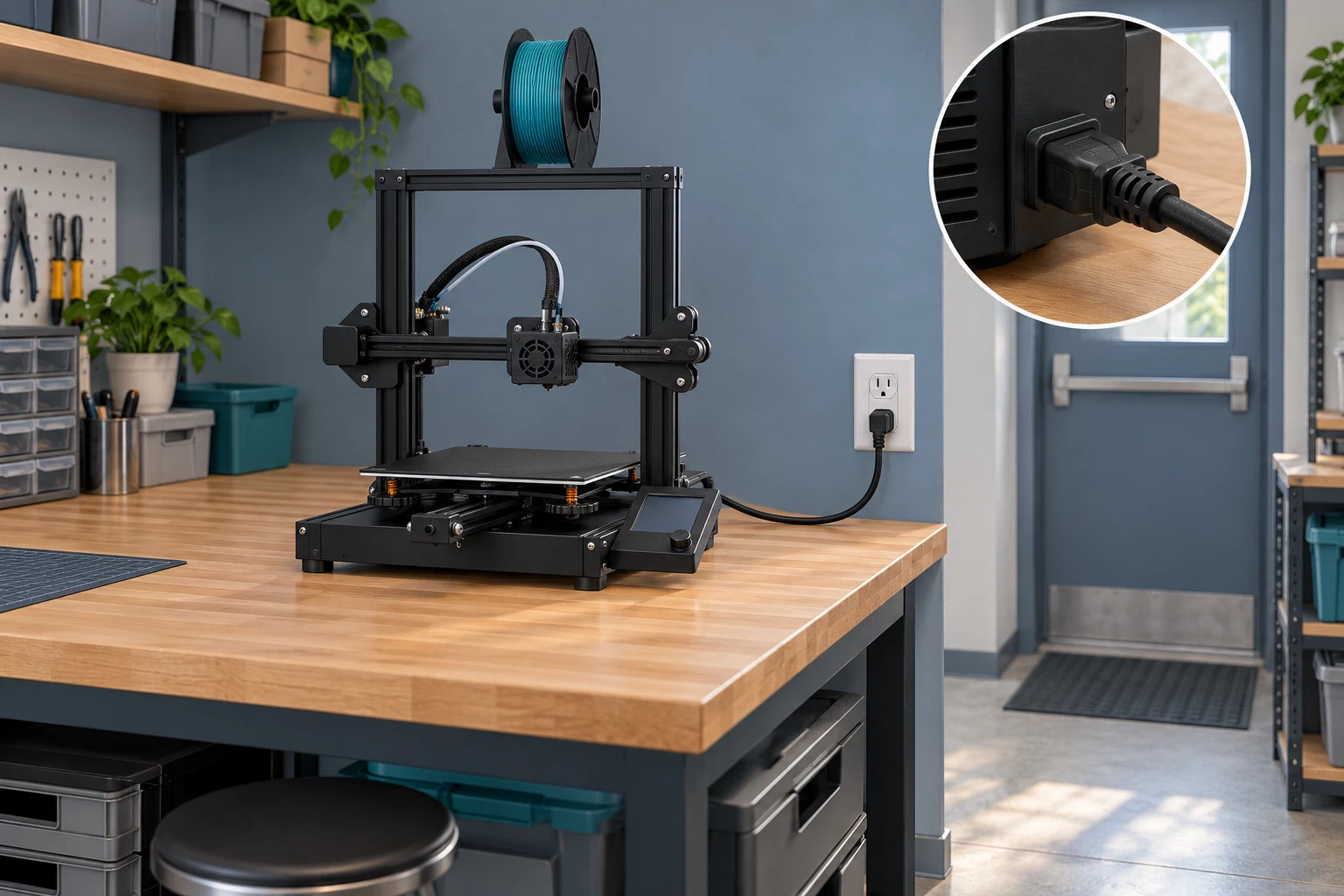
A recalled product is a separate stop boundary. For the identified Bambu Lab A1 production subset in the CPSC notice, the heatbed cable can short and create shock or fire hazards; affected owners are told to stop using the printer and follow the stated manufacturer remedy rather than attempt the repair themselves. Check current recall information for the exact model and serial marker.
Manage heat and motion
Treat the nozzle, heatbed, hotend, chamber, and recently printed part as hot until the exact manual says handling is permitted. Keep hands, hair, gloves, tools, and loose sleeves out of moving axes. Creality’s Ender-3 V3 SE manual specifically warns against touching the nozzle or hotbed during operation and against gloves or accessories around moving parts; its warnings apply to that model.
Cleaning and maintenance need a state transition, not just a task name:
- Stop the job using the printer’s normal control when possible.
- Let the nozzle, bed, chamber, and part cool according to the exact manual.
- Switch off and disconnect power before touching electronic connections, cables, boards, or guards.
- Use the model-specific tool, access order, and cleaning method. Do not copy a hotend temperature, fuse value, compressed-air instruction, or disassembly step from another printer.
- Restore covers, cable routing, guards, and the work area before the next print.
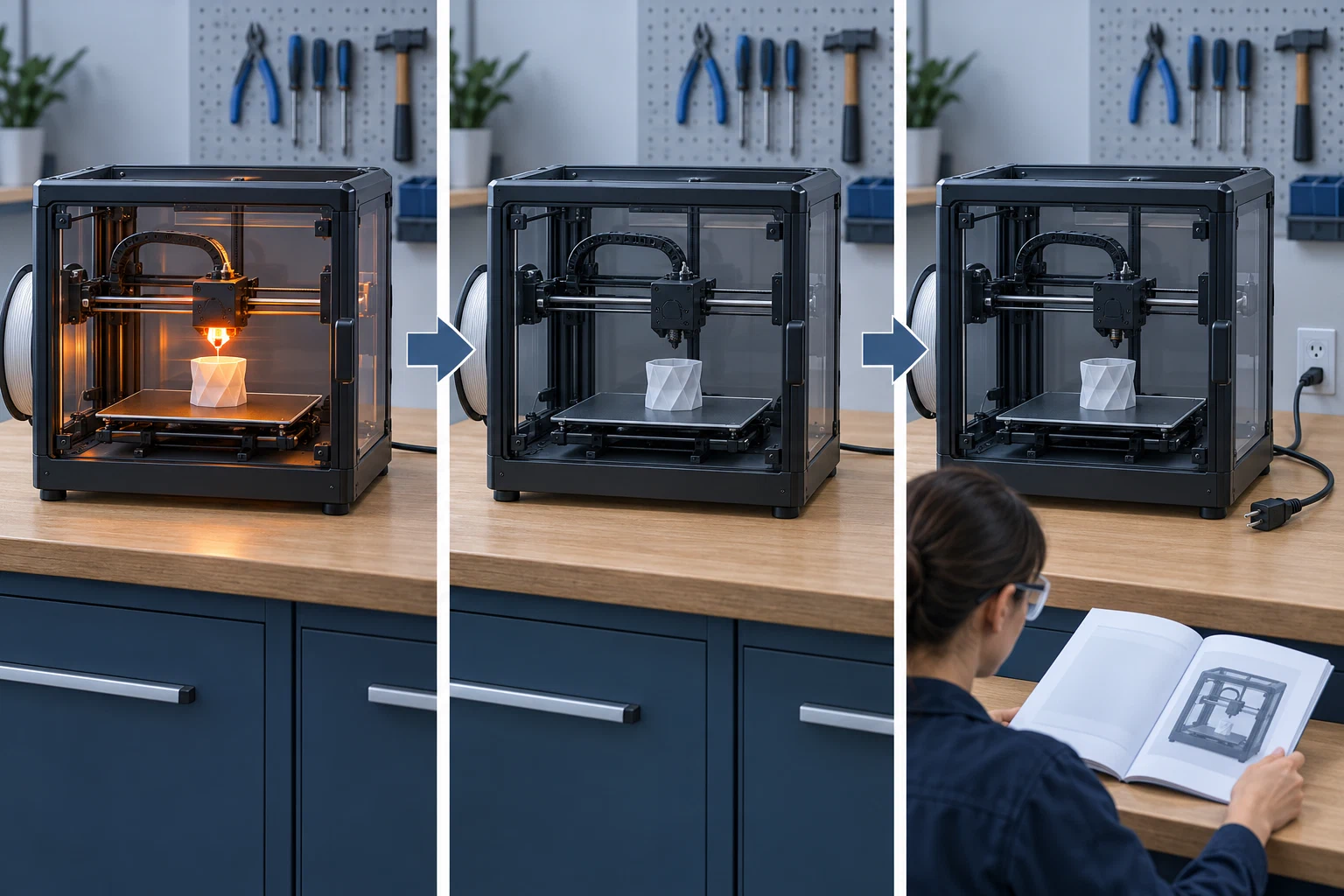
There are model-specific exceptions and cautions. Prusa’s MK4/S maintenance guidance gives a named hotend-cleaning example followed by cooling, while its XL guidance describes de-energized compressed-air cleaning between board cables. Those instructions do not make compressed air a general room-cleaning method. If an electrical, thermistor, heater, fan, or thermal-runaway error appears, stop and use the exact service path rather than bypassing the warning.
Stop and escalate
Stop the printer and keep people away while you determine the response for:
- smoke, flame, a burning smell with a new or worsening electrical symptom, arcing, or uncontrolled heating;
- damaged wiring, a hot plug or connector, repeated breaker trips, a wet power connection, or a power lead that cannot be inspected safely;
- a jam or failed print that leaves material against a hot component or blocks a source-capture path;
- a failed fan, filter, enclosure, alarm, or exhaust path when the workspace depends on it; or
- a heatbed, nozzle, chamber, battery, or electronics warning that the manual identifies as a stop or inspection state.
For an actual fire or smoke event, prioritize people: activate the local alarm and emergency plan, leave by the available exit, call the local emergency service, and do not re-enter for the printer. Use a portable extinguisher only within the limits of the local plan, training, equipment, and a clear escape path; the presence of an extinguisher does not make a developing fire a safe troubleshooting task. In a shared workplace, use the reporting, evacuation, accountability, and training arrangements required by the site and jurisdiction.
End-of-print check
After the print, confirm that heaters are off or in the expected idle state, the finished part and bed can be handled safely, scraps are removed, the cord and machine show no new damage, the enclosure or exhaust path is clear, and any abnormal event is recorded before another job. Do not resume a failed or power-interrupted job merely because the screen offers a resume option. For a room and material control decision, use ventilation and local controls ; for material storage and emissions context, use material-specific handling ; for leaving a print running, apply unattended printing boundaries . Routine plate release belongs to this printer checklist. For a separate finishing station used for sanding, cutting, adhesives, coatings, or supported heat treatment, review workshop controls for finishing FFF parts .
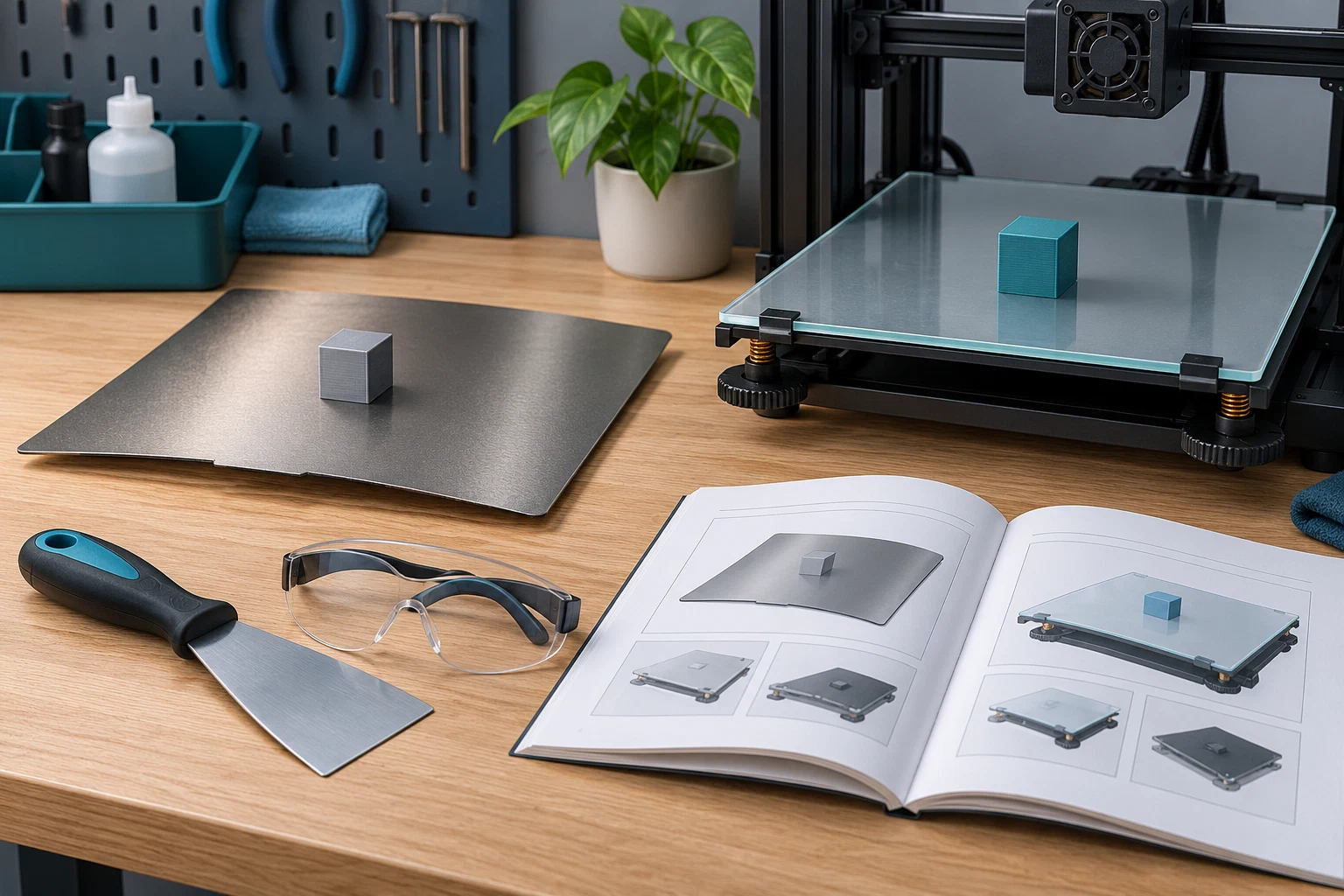
Plate material and flexibility affect removal. Use the exact printer and plate instructions, and stop if release requires excessive force; this illustration does not prescribe a scraper or removal method.
Back to top ↑