“Unattended” should mean “not watched continuously,” not “no one can respond and no controls are active.” A camera, cloud status, push notification, heater timer, thermal-runaway feature, or power-recovery function can reduce one uncertainty. None of them proves that the printer, material, workspace, electrical supply, ventilation, and response plan are suitable as a whole.
Start with a job identity card
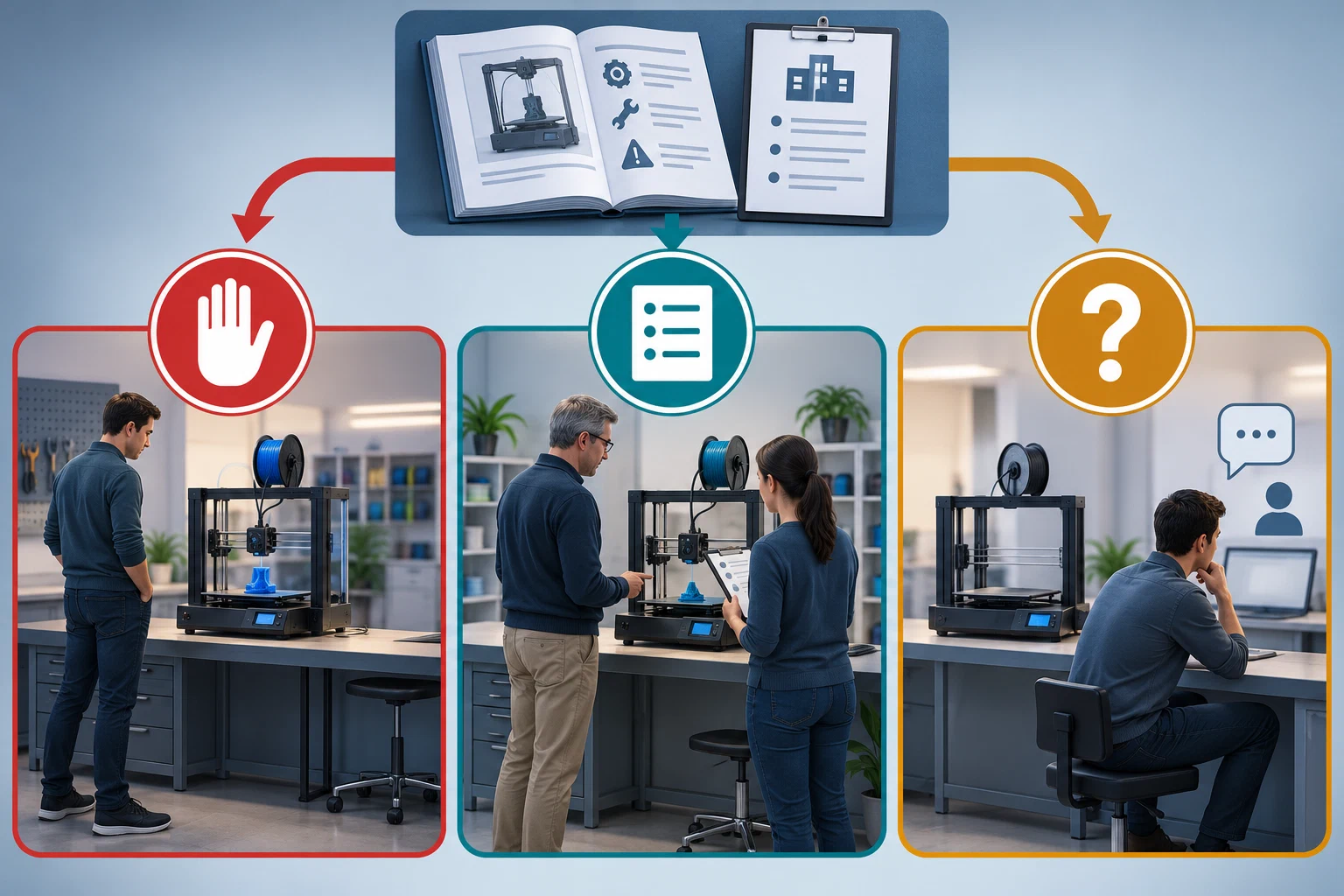
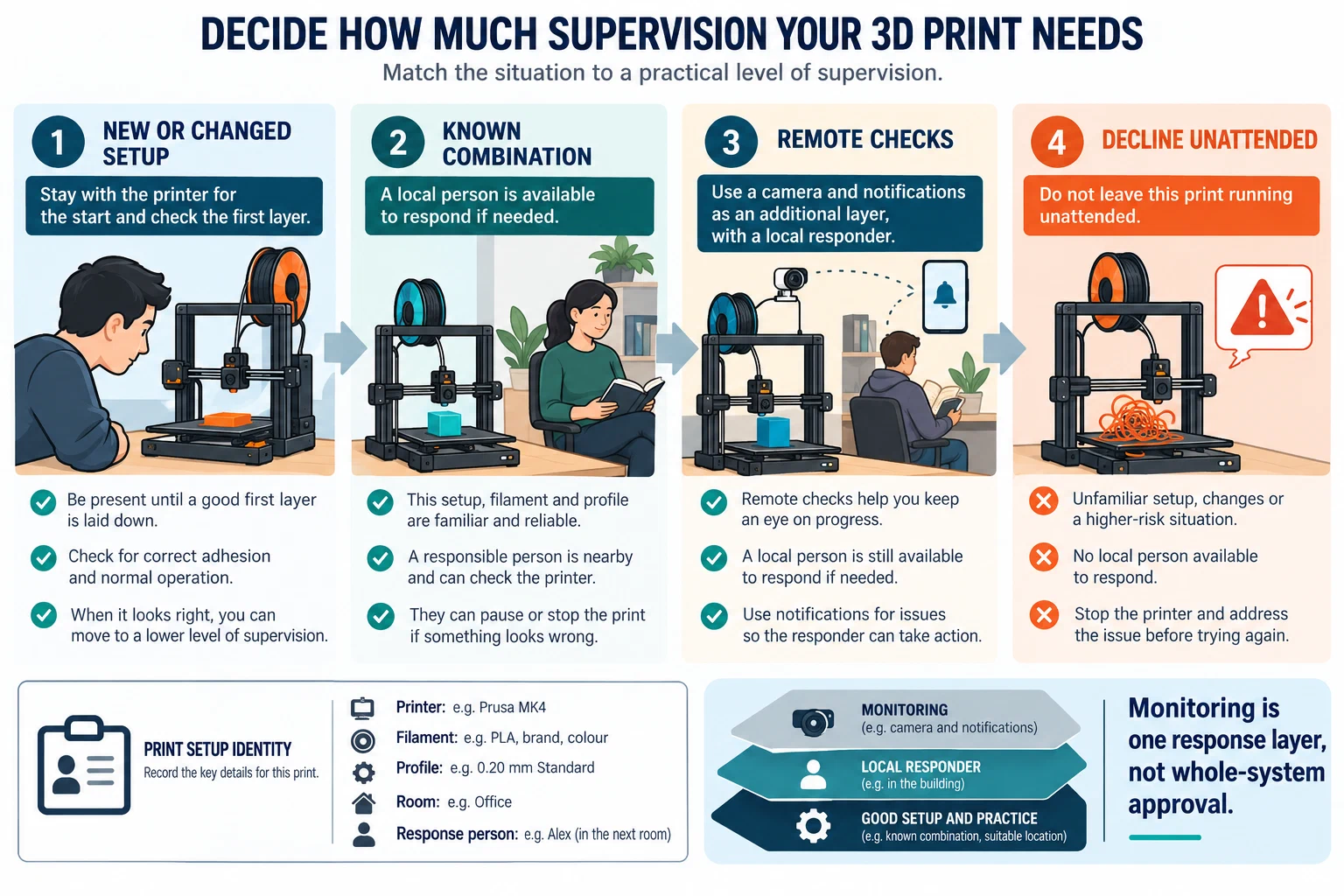
Before deciding how much supervision is acceptable, record the exact printer and variant, firmware, nozzle material and diameter, plate, filament manufacturer and product, additives, dry state, slicer and release, selected printer/material/process profiles, layer height, temperature, speed, enclosure and exhaust state, job duration, room occupancy, and who can physically respond. Attach a preview or job identifier and note the first-layer result. If any of those fields is unknown, treat the job as a new or unverified setup rather than as a repeat.
A change in nozzle, plate, filament, firmware, slicer release, enclosure, maintenance state, or geometry can change the failure modes. Use exact printer identity , the printer/material/process preset , and adapt a profile after a change before treating a previous successful print as evidence for a new job.
Use a staged policy
Stage 1: Supervise the first layer
Stay available for the complete startup and first-layer check when the printer, material, plate, profile, or geometry is new or has changed. Confirm that the bed is attached, the nozzle is not dragging, the material is feeding normally, the toolpath matches the intended object, and no cable, cover, or moving part is being contacted. A good first layer is a bounded observation; it does not prove the rest of a long print will succeed.
Stage 2: Establish local presence for a known combination
For a repeat job, use a known printer/material/nozzle/plate/profile combination only after a successful test has established the actual behavior. Keep the workspace accessible, keep exits and power isolation clear, and have a person who can reach the printer without entering smoke, touching hot parts, or bypassing a guard. The person should know how to stop the job normally and how to leave under the local emergency plan.
Stage 3: Add remote checks only as a response layer
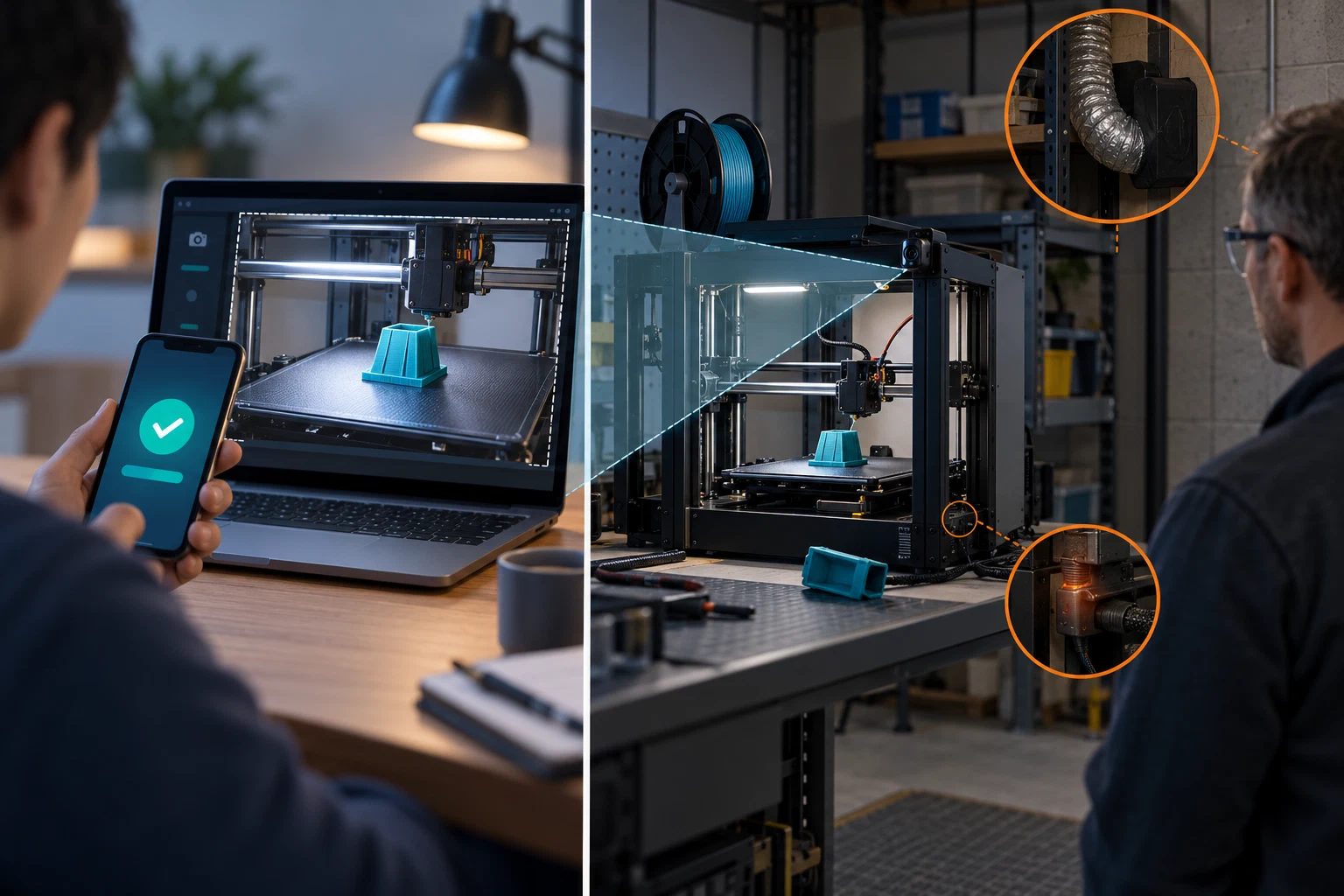
A camera, cloud status, notification, remote pause, or remote stop is useful only if it is tested for the exact printer, firmware, network, and service. Check what happens when the camera is unavailable, the network drops, the service is delayed, the printer pauses, or power returns. Define who receives an alert, how quickly they can reach the room, what local person is the backup, and what event causes the job to remain stopped.
A status page can report motion or temperature without detecting smoke, a blocked exhaust path, a hot connector, a detached object, or an event outside the camera’s view. Remote stop is not the same as electrical isolation, and a notification is not an alarm or evacuation plan.
Stage 4: Decline unattended operation
Do not leave a job unattended when the setup is new, a first layer is uncertain, a plate or filament path is failing, a heater, thermistor, fan, cable, enclosure, filter, or alarm has an unresolved fault, the material or workspace lacks an appropriate handling plan, or no person can respond safely. Also keep a job supervised when its failure could expose people in an occupied room and the planned controls have not been verified for that printer and material.
This is a risk decision, not a universal certification test. A school, library, makerspace, and home may set stricter rules based on occupancy, access, insurance, local requirements, and the people who use the room.
Preflight before leaving the room
| Area | Check | Pass condition |
|---|---|---|
| Printer state | No unresolved warning; exact model and firmware instructions reviewed | The manual gives no active stop or inspection state |
| First layer | Adhesion, nozzle clearance, extrusion, and motion observed | The actual job has passed the planned first-layer check |
| Material | Product, additives, dry state, temperature, and storage known | The material matches the profile and workspace plan |
| Workspace | Hot and moving parts guarded; flammables and scraps removed; ventilation or local capture operating | People can enter, leave, and isolate power without unsafe contact |
| Electrical | Cord, plug, connectors, outlet, strip, and load path inspected | No damage, wet connection, daisy chain, repeated trip, or improvised repair |
| Response | Person, phone or notification route, local stop method, and exit plan identified | Someone can respond without smoke exposure, hot-part contact, or re-entry |
| Monitoring | Camera, status, alert, and remote control tested for this setup | Failure of monitoring is treated as a loss of monitoring, not as proof of safety |
Treat power recovery as a decision point
Power recovery can save a position and remove heater load, but it can also leave a bed cool enough for the object to detach. Prusa documents this for selected families and requires a visible adhesion check before resuming; its Power Panic behavior is model-specific and does not work in every power-off scenario. A UPS adds another boundary: its watts, VA, runtime, waveform, and printer compatibility must be checked together. APC says attached equipment must remain within both the UPS watt and VA ratings, while Prusa’s UPS guidance is limited to named printers and test conditions. Neither source makes a UPS a fire-control device or an unattended-print approval.
After an outage, network loss, thermal warning, or unexpected pause, keep the printer stopped until the person responsible can inspect the object, bed, nozzle, cords, enclosure, ventilation, and surrounding area. Do not assume that an automatic resume is equivalent to a human check.
Stop conditions and handoff
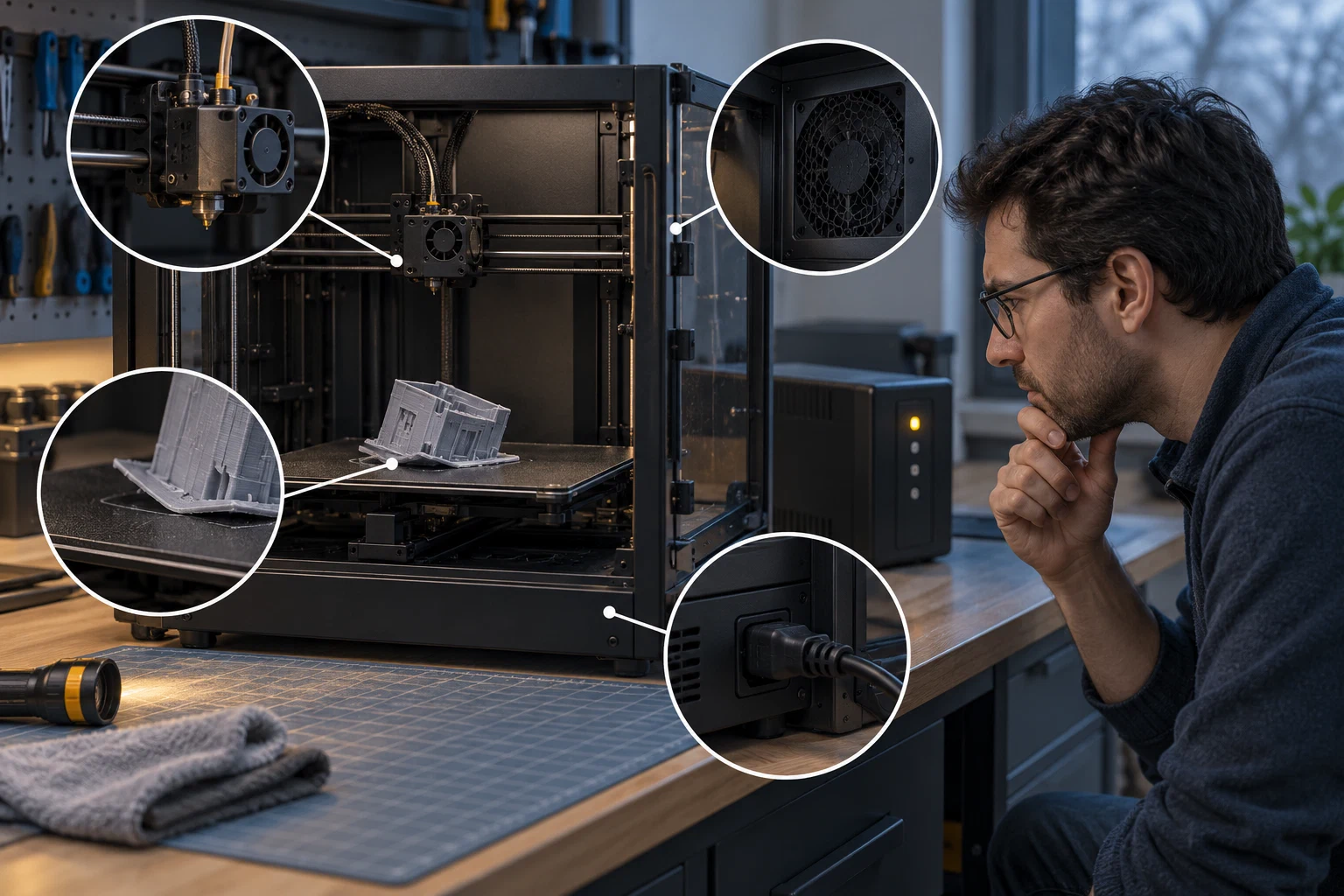
Stop and escalate for smoke, flame, uncontrolled heating, abnormal electrical heat or smell, damaged wiring, repeated trips, a jam that builds material against a hot part, a failed fan or exhaust path, a detached object that can obstruct motion, or a thermal or sensor warning that the manual identifies as a fault. If people are at risk, follow the local alarm and evacuation plan and leave; do not return to retrieve the print or troubleshoot a developing fire.
For material or airflow questions, use material-specific handling and emissions context and ventilation and local controls . For hot, electrical, fire, and cleanup boundaries, use workshop housekeeping . For a failed extrusion or jam, use under-extrusion, clogs, and heat creep only after the printer is in a safe state.
Back to top ↑