PETG strings are thin strands left during travel, but “stringing” is a visual result rather than a confirmed cause. High temperature, material state, nozzle residue, travel behavior, retraction, and the printer’s feed path can overlap. Start with the least invasive checks and test one variable at a time instead of immediately increasing retraction.
Capture the conditions
Record the exact printer and variant, drive path, nozzle diameter and condition, PETG brand/product and color, how the spool was stored or dried, nozzle and bed temperatures, layer height, speed, cooling, retraction distance and speed, travel settings, wipe or coast features, slicer and version, and the test model. Note whether the defect is fine lines between separate islands, a blob at a start or stop, residue dragged across a surface, bubbling, or rough and weak extrusion.
The distinction matters. Fine lines between travel destinations point toward ooze during non-print moves, while a blob that repeats at a seam may involve start/stop pressure or a contaminated nozzle. Popping, bubbles, rough surfaces, or a sudden change after storage make moisture worth testing, but strings alone do not prove that the filament is wet.
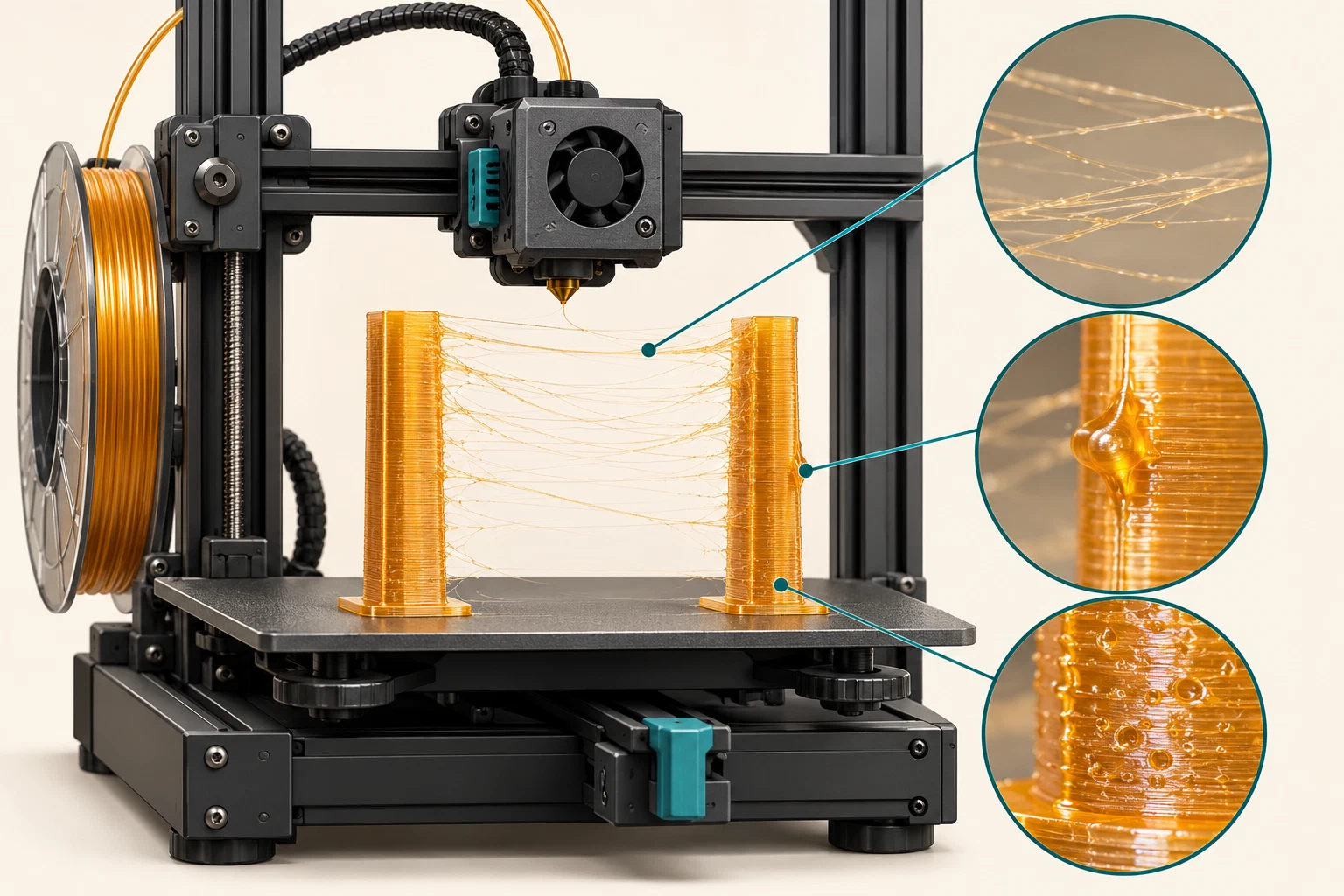
Check material and hardware before tuning
- Compare the actual spool with the selected material profile. PETG products vary, and a profile made for another grade or color can change temperature, cooling, and flow behavior.
- Check the spool path for drag, the filament for obvious damage, and the nozzle exterior for a PETG film or residue. Use the exact printer’s cleaning and hot-part precautions; do not wipe or reach into a hotend by improvisation.
- If storage history is uncertain, dry the spool only within the filament and spool manufacturer’s documented limits. A drying table for one product family is not a universal recipe for another PETG, spool, or dryer. Store the material in a way that prevents it reabsorbing moisture while you test.
- Reprint the same small stringing model with the same profile after the physical check. If the result changes before any slicer adjustment, the earlier symptom was not evidence that retraction was the root cause.
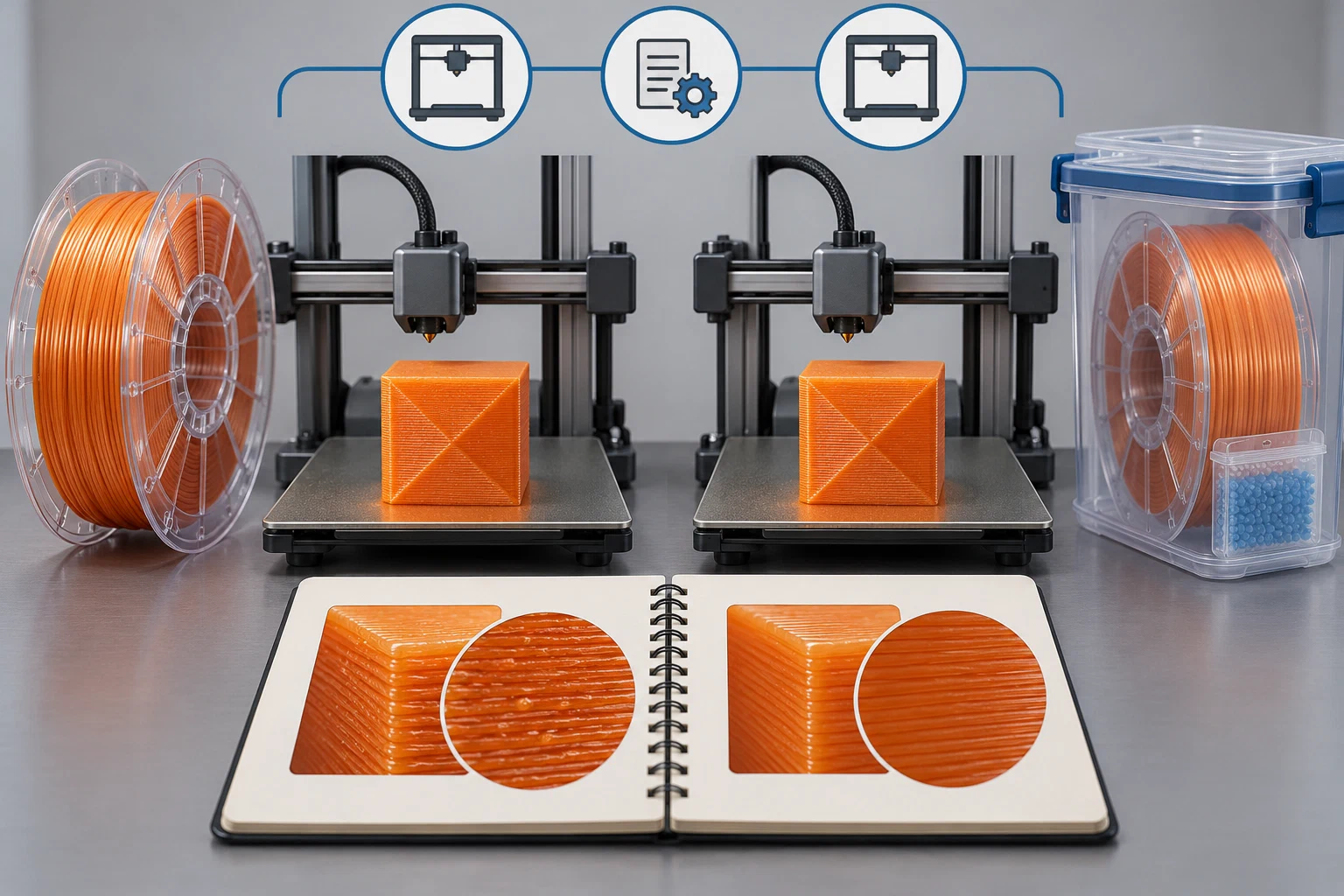
Separate the experiments
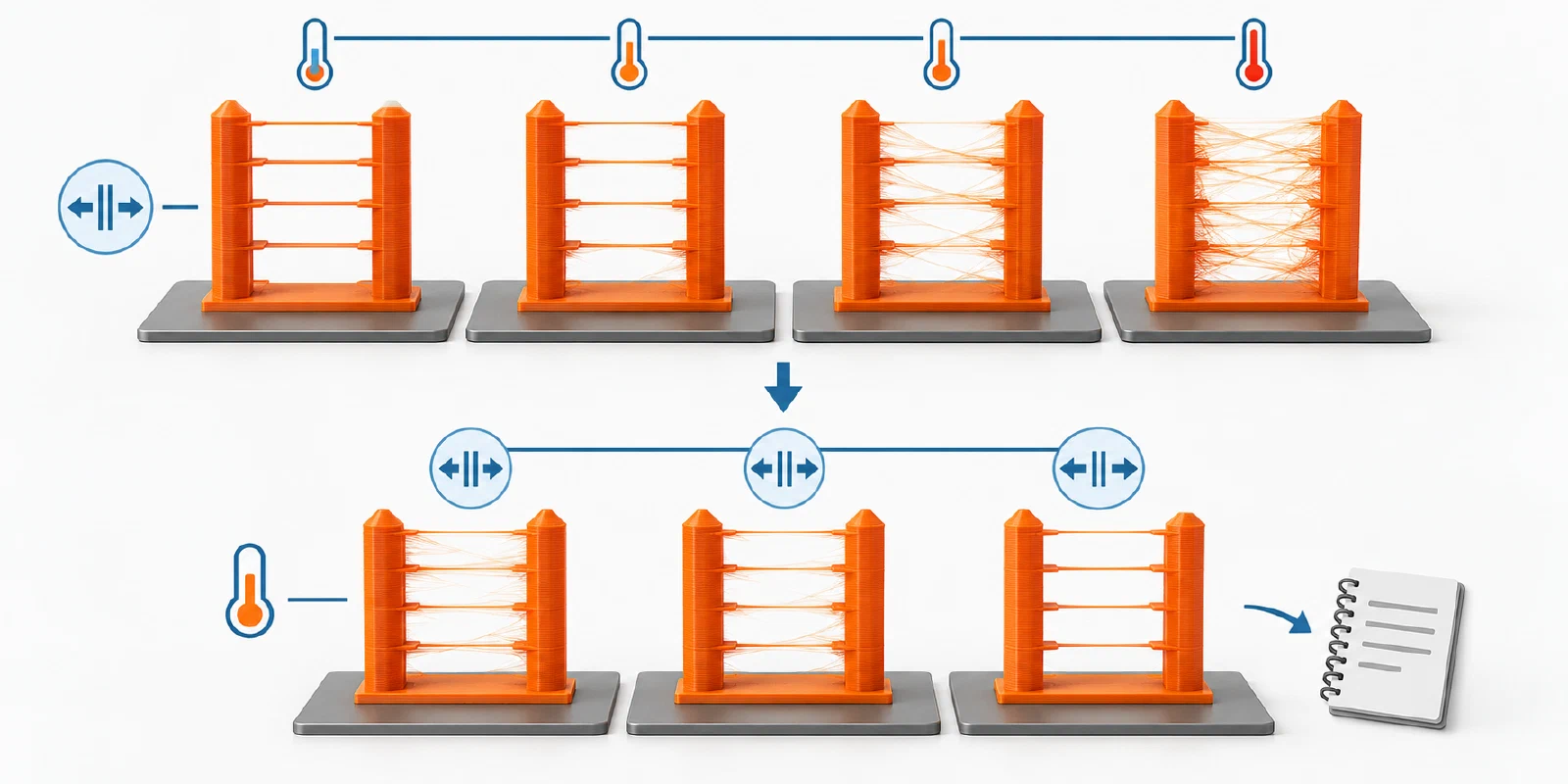
First, hold retraction and travel settings fixed while comparing a conservative temperature point within the filament maker’s recommended range. Change only the temperature, keep the model and layer height constant, and record string quantity, surface quality, and layer bonding. A lower string count with weak layers is not a successful fix.
Next, test retraction in small, reversible steps appropriate to the drive path. Direct-drive and Bowden systems have different filament-path behavior, and a value that works on one printer is not portable to another. Excessive retraction can introduce grinding, delayed extrusion, or a heat-related jam, so stop the experiment if feeding becomes irregular. Inspect travel speed, wipe, coast, seam placement, and cooling only after the primary comparison is understood; those controls can alter the visible result without changing the material’s underlying condition.
Treat dryer alarms as equipment states
A dryer or multi-material accessory stopping with an alarm does not show that the PETG spool is wet. Anycubic documents CODE 11530 as a drying-protection state for a Kobra S1 paired with ACE 2 Pro. That source’s title says “PTC abnormal” while its explanation identifies an abnormal NTC signal; the wording conflict is unresolved. Match the exact accessory and displayed code, then follow its current manufacturer guidance or contact support. Do not use this device fault as a reason to raise the drying temperature, open the accessory, or assume a drying run completed. The source’s device-specific verification language is for that fault and is not a general PETG drying endpoint. For a reported device state, see printer fault codes and safety stops .
Bambu Lab’s H2C manual associates nozzle buildup with local under-extrusion and mentions PETG in its own material context. That does not show that a stringing symptom is caused by moisture, nor does it establish the same nozzle behavior for other machines. If thin or missing lines accompany the strings, compare that flow symptom using under-extrusion diagnosis instead of adding retraction.
Verify the outcome
Use the same test model and a second small object with comparable travel moves. Check both the visible strings and the functional result: clean walls, consistent extrusion after travel, intact layers, and no new grinding or clog symptoms. If strings persist, compare a fresh or correctly dried spool and a clean nozzle before adding more retraction. If the defect is actually blobs, weak layers, bubbling, or intermittent under-extrusion, route it to under-extrusion, clogs, and heat creep instead of treating every artifact as a retraction problem.
Back to top ↑